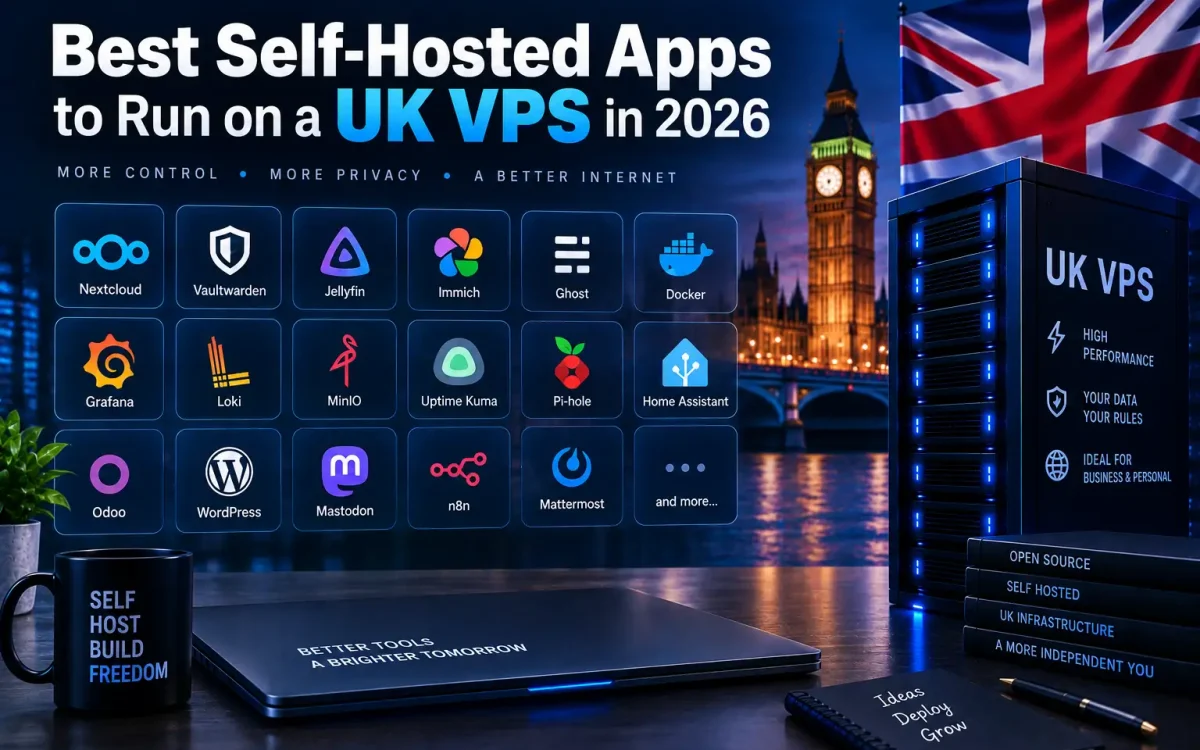
The best self-hosted apps let you run your own private cloud on a single UK VPS — storage, AI, security, monitoring and publishing tools that you own outright, with your data kept in the UK instead of on someone else’s platform. This guide is a curated roundup of the self-hosting guides on our blog, grouped by what you want to run, so you can build exactly the stack your project needs. Whether you are a developer, a startup or a privacy-conscious business, everything here runs happily on a modern AMD EPYC VPS with full root access.
What Are Self-Hosted Apps?

Self-hosted apps are open-source applications you install and run on your own server rather than paying to use a hosted SaaS version. Instead of renting Google Drive, Dropbox, GitHub, Datadog or Substack, you run the equivalent software yourself on a VPS you control. The trade-off is simple: you take on a little server management in exchange for lower long-term cost, full control, and true data ownership — your files, code, logs and customers stay on infrastructure you run.
What You Need to Run Self-Hosted Apps
Most self-hosted apps need three things: a Linux VPS with root access, Docker (or a native install), and a reverse proxy with HTTPS in front. A small 2–4GB VPS runs several lightweight apps comfortably; AI and heavier stacks want more RAM, CPU or a GPU. Everything below links to a full step-by-step guide.
Why Self-Host on a UK VPS

Self-hosting on a UK VPS gives you three advantages a SaaS subscription cannot: cost control (a flat monthly server price instead of per-seat, per-GB or per-minute billing), UK data residency (important for GDPR when apps hold personal data), and full control over versions, integrations and uptime. On enterprise AMD EPYC hardware with NVMe storage, a self-hosted app is often faster and cheaper than the managed alternative — and nobody can change the pricing or terms out from under you.
- Own your data — files, code, member lists and logs stay on your server, in the UK.
- Predictable cost — one VPS runs many apps for a flat price.
- No lock-in — open-source apps you can move or export anytime.
Run Your Own Storage and Backups
Replace expensive cloud storage and photo services with self-hosted equivalents that keep your files in the UK.
- MinIO — S3-compatible object storage for backups, media and app data, with no AWS egress fees.
- Nextcloud — a private Google Drive alternative for files, calendars and contacts.
- Immich / PhotoPrism / Ente — a self-hosted Google Photos alternative with mobile backup and AI search.
Build Your Own Developer Toolchain
Run the whole software delivery pipeline yourself — source control, CI/CD, deployment and the infrastructure underneath it.
- Self-Hosted Git — Gitea, Forgejo or GitLab CE to keep your repositories on your own server.
- Self-Hosted CI/CD — Gitea Actions, Woodpecker or Drone to build and deploy without per-minute fees.
- Coolify — a self-hosted Vercel/Heroku-style PaaS with Git-based auto-deploy.
- Deploy Next.js — run Next.js in production with PM2, Docker or Coolify.
- Docker Compose — deploy full-stack apps reproducibly on a VPS.
- Kubernetes vs Docker Swarm — choose an orchestrator when you scale beyond one box.
- Traefik vs Nginx vs Caddy — the reverse proxy and HTTPS layer that fronts every app.
- Proxmox VE — turn a dedicated server into your own private VPS cloud.
Host Your Own AI and GPU Apps
Keep prompts, documents and models on your own GPU VPS instead of sending data to a third-party AI API.
- RAG Pipeline — Ollama + Qdrant + LangChain for private, document-grounded AI.
- Ollama — run Llama, Mistral and Qwen locally on a GPU VPS.
- AI Agents — LangGraph, CrewAI and AutoGen in production.
- Self-Hosted Copilot — Tabby, Continue and Aider coding assistants you control.
Secure and Protect Your Setup
Run your own privacy and security tools so passwords, networks and visitor data never touch a third party.
- Vaultwarden — a private, Bitwarden-compatible password manager.
- Mesh VPN — Headscale, Tailscale and WireGuard for private, encrypted networking.
- Cloudflare Tunnel — zero-trust access with no open inbound ports.
- Self-Hosted Analytics — Plausible, Matomo or Umami for GDPR-friendly, cookieless tracking.
Monitor Your Own Infrastructure
See what your server and apps are doing — metrics, uptime and logs — all self-hosted and in one place.
- Prometheus + Grafana — time-series metrics, dashboards and alerting.
- Uptime Monitoring — Uptime Kuma, Gatus or Netdata for status pages and uptime checks.
- Grafana Loki — cost-effective centralised log management.
Automate Publishing and Workflows
Own your audience and automate the busywork with self-hosted publishing and automation tools.
- Ghost — newsletters, a blog and paid memberships you fully own (no platform cut).
- n8n — a self-hosted Zapier for connecting apps and automating workflows.
Choose the Right VPS for Self-Hosting

Match the server to the workload. Lightweight apps run happily on a small NVMe VPS; databases, many apps or AI need more RAM, CPU or a GPU. As a rough guide:
| What you’re running | Suggested spec | Examples |
|---|---|---|
| One or two light apps | 2 vCPU / 2–4GB RAM / NVMe | Vaultwarden, Uptime Kuma, Analytics |
| A small self-hosted stack | 4 vCPU / 8GB RAM / NVMe | Git + CI/CD, Ghost, Nextcloud, MinIO |
| Databases & busy apps | Higher RAM + enterprise NVMe | Loki, Prometheus, WooCommerce |
| AI & LLMs | GPU VPS (VRAM matters) | Ollama, RAG, AI agents |
You don’t have to run everything on one box either — many teams keep public apps on one VPS and private tools on another, or use Proxmox on a dedicated server to carve a single machine into several isolated VPSs.
Conclusion
Self-hosting has never been more practical: with Docker, a reverse proxy and a modern UK VPS, you can replace a stack of expensive SaaS subscriptions with self-hosted apps you own and control. Start with one app that solves a real problem, get comfortable running it, then grow your stack from there.
- Pick one app from the category you need most and follow its full guide.
- Choose a VPS spec that matches the workload (use the table above).
- Put every app behind a reverse proxy with HTTPS, and back it up off-box.
- Add more apps over time — one VPS can run several at once.
Further Reading
For an authoritative reference on this topic, see Cloudflare Learning — What Is VPS Hosting.
Run these self-hosted apps on a UK Speed VPS
Get a fast UK NVMe VPS on enterprise AMD EPYC hardware with full root access – the ideal home for your self-hosted stack, with your data kept in the UK.