- Why UK Businesses Choose Self-Hosted n8n Over Zapier in 2026
- How Self-Hosted n8n Works Under the Hood
- How to Deploy n8n with Docker Compose
- How to Scale Self-Hosted n8n with Queue Mode
- Self-Hosted n8n Security and GDPR Compliance
- Backup and Disaster Recovery for n8n Workflows
- Popular Self-Hosted n8n Automation Recipes for 2026
- When Self-Hosted n8n Is the Right Choice
- Conclusion: Own Your Automation Stack in the UK
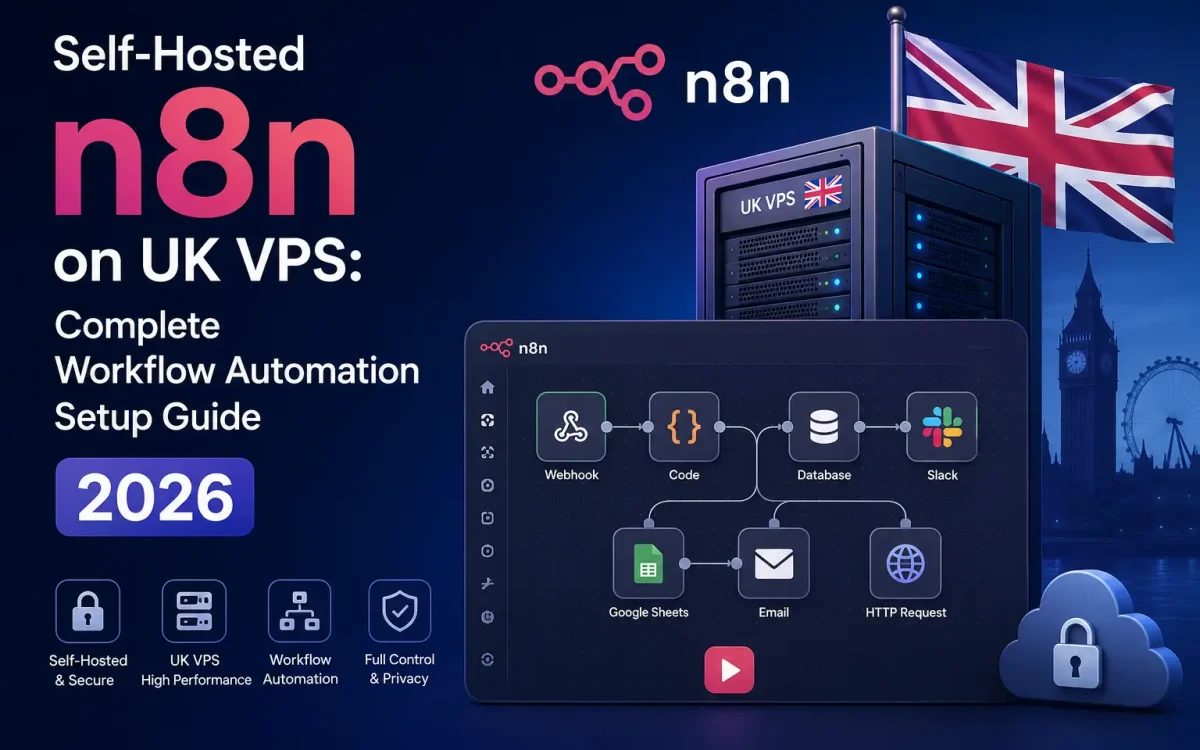
Self-hosted n8n is the workflow automation platform every UK business is choosing in 2026 to escape Zapier’s per-execution billing and keep sensitive customer data inside the United Kingdom. Running n8n on your own UK VPS with premium network unlocks unlimited executions, private webhooks, GDPR-compliant integrations with UK SaaS, and connectivity to internal systems that Zapier can never reach. This guide shows how to deploy a production-grade self-hosted n8n stack on a UK Speed VPS using Docker Compose, PostgreSQL, and Traefik — the same pattern the fastest AI automation teams are running in 2026.
Why UK Businesses Choose Self-Hosted n8n Over Zapier in 2026
Zapier’s Team plan costs $69 per month for 2,000 tasks — n8n on a £15 UK VPS runs a hundred times that volume for the same cost. The real driver in 2026 is not price alone but data control: Zapier processes every task through US infrastructure, which fails a UK ICO audit the moment your workflows touch personal data. Self-hosted n8n keeps every execution, credential, and webhook payload on a server you own in London. n8n’s fair-code license lets you use it commercially without paying, provided you do not sell it as a competing SaaS.
How Self-Hosted n8n Works Under the Hood
n8n is a Node.js application that exposes a visual workflow editor and executes JavaScript-defined nodes against 400+ integrations. Workflows are stored as JSON in a database — Postgres for production, SQLite for testing. Each execution runs synchronously in the main process by default, but production deployments switch to queue mode: a Redis-backed job queue distributes work across multiple worker containers so long-running tasks never block the editor UI or webhooks.
Webhooks are first-class: n8n gives every workflow a unique public URL that receives events from Stripe, GitHub, Shopify, or any custom system. Credentials are encrypted at rest with a key stored in an environment variable, so even a database dump does not expose secrets. Similar Docker-first production patterns are covered in our Docker Compose WordPress production guide.
What You Need to Run n8n on a UK VPS
Minimum viable production stack: Ubuntu 24.04 LTS, 2 vCPU, 4 GB RAM, 40 GB NVMe SSD, and a domain name with an A record pointing at your VPS. For workloads under 10,000 executions per day the UK Speed VPS NVMe tier handles everything single-instance. For heavier workloads, upgrade to 8 GB RAM and enable queue mode with 2-4 worker containers on the same VPS. The stack itself needs Docker Engine 24+ and Docker Compose v2 — nothing else installed on the host.
How to Deploy n8n with Docker Compose
The production-grade compose file has five services: Traefik for automatic Let’s Encrypt SSL and reverse proxy, Postgres 17 for state, Redis for the job queue, n8n main for the editor and webhooks, and n8n worker for execution. Traefik reads container labels to route https://n8n.example.co.uk to the main container. Persist Postgres data with a named volume, and mount n8n_data for encryption keys and binary attachments.
Start with docker compose up -d, watch the logs with docker compose logs -f n8n, and open the HTTPS URL. The first-run wizard creates the owner account and encryption key. From here, add credentials, build a workflow visually, and activate the trigger — a webhook, cron schedule, or one of the 400+ integrations. All webhook traffic is unlimited on UK Speed unmetered VPS bandwidth, so a viral form never triggers a bandwidth invoice.
Critical environment variables to set from day one: N8N_HOST (your domain), N8N_PROTOCOL=https, WEBHOOK_URL (same as host with trailing slash), N8N_ENCRYPTION_KEY (32-character random string), DB_TYPE=postgresdb, and the Postgres connection variables. Tune Postgres for n8n’s write-heavy execution log by setting shared_buffers to 25% of VPS RAM, work_mem to 16 MB, and enabling wal_compression=on. Add automated pruning of executions older than 30 days with EXECUTIONS_DATA_PRUNE=true and EXECUTIONS_DATA_MAX_AGE=720 — this keeps the database compact even under thousands of daily runs.
How to Scale Self-Hosted n8n with Queue Mode
Queue mode is the single most important production switch. Set EXECUTIONS_MODE=queue and add a Redis service to the compose file, then spin up dedicated worker containers with the n8n worker command. The main container becomes stateless — it only serves the UI and receives webhooks, while workers pull jobs from Redis and execute them. This lets a single VPS run thousands of parallel workflows, and lets you add horizontal capacity by scaling worker replicas without touching Postgres.
Set concurrency per worker via N8N_CONCURRENCY_PRODUCTION_LIMIT. A rule of thumb: 5-10 concurrent executions per vCPU is safe for API-heavy workflows, dropping to 2-3 for compute-heavy tasks. Monitor CPU, memory, and Redis queue depth to find the sweet spot for your integrations.
Self-Hosted n8n Security and GDPR Compliance
Because self-hosted n8n keeps every workflow payload on your UK VPS, GDPR data mapping becomes trivial — you can name the exact London datacenter in your record of processing activities. Rotate the N8N_ENCRYPTION_KEY only through the migration workflow (rotating it invalidates existing credentials). Enable two-factor authentication for owner accounts, restrict n8n’s editor URL behind Cloudflare Access or a VPN, and expose only the webhook subdomain publicly. For AI-heavy workflows that call self-hosted LLMs, our guide on deploying AI agents on UK GPU VPS complements this stack.
Backup and Disaster Recovery for n8n Workflows
Two critical backup targets: the Postgres database and the n8n_data volume. Run nightly pg_dump to a compressed archive, mirror the volume with rsync, and push both to off-site UK storage using restic or BorgBackup. n8n’s built-in workflow export gives a JSON file per workflow — useful for version control in git, but not a substitute for a proper database backup because it excludes execution history and credentials.
Restoring a full stack after a VPS failure takes under 10 minutes: provision a new UK Speed VPS, pull the Docker Compose file from git, restore the Postgres dump, and n8n resumes exactly where it left off. This is the operational discipline that turns a hobby automation into a production system.
Popular Self-Hosted n8n Automation Recipes for 2026
Five self-hosted n8n workflows every UK team runs in 2026: (1) WooCommerce order → HMRC MTD-compatible bookkeeping export, keeping VAT data on UK servers; (2) Stripe payment webhook → CRM contact create → welcome email via SMTP, replacing Zapier’s three-zap chain; (3) GitHub push → CI build → Slack notification with commit summary generated by a self-hosted LLM; (4) form submission → GDPR consent verification → Postgres insert → Mailchimp segment, all auditable in one log; (5) hourly SEO monitor that scrapes Google Search Console via API, benchmarks Core Web Vitals, and posts a Grafana dashboard update. Because self-hosted n8n has no per-execution cost, teams safely run these on tight cron schedules — every minute rather than hourly — for real-time reactivity.
When Self-Hosted n8n Is the Right Choice
Choose self-hosted n8n when your executions exceed 500 per month, your workflows touch personal or payment data, you need integrations Zapier does not offer, or you want AI automation (OpenAI, Anthropic, self-hosted LLMs) without paying twice for the same API call. Stick with Zapier only if you are a solo user with fewer than 100 tasks per month and no compliance requirements. Everything above that threshold is cheaper, faster, and safer on a self-hosted n8n on UK Speed VPS. For deeper context on production deployments, see the official n8n hosting documentation.
Conclusion: Own Your Automation Stack in the UK
Self-hosted n8n turns a modest UK VPS into an unlimited workflow automation engine that is faster than Zapier, cheaper than Make, and fully GDPR-compliant. Pair it with UK Speed’s premium network and unmetered bandwidth, and your automation stack scales with your business — not with a US SaaS invoice.