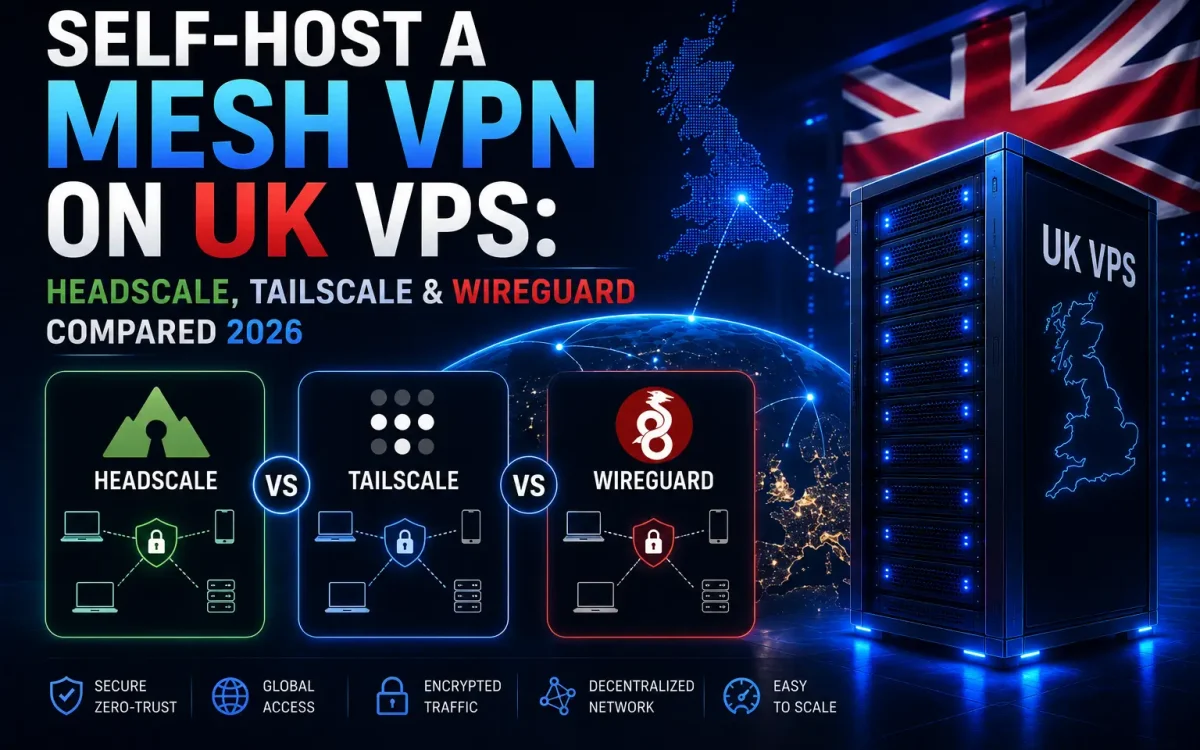
If you want to self-host a mesh VPN, running the open-source Headscale control server on a UK VPS is the cleanest way to get a private, zero-config network that you fully own. This guide is not another single-tunnel walkthrough — the focus here is the mesh layer and the coordination server behind it. We will compare WireGuard, Tailscale and Headscale, then show you how to stand up your own mesh with UK data residency, an exit node and hardened security.
What Is a Mesh VPN?
A traditional VPN is hub-and-spoke: every device dials into one central gateway, and all traffic is funnelled through that single server. A mesh VPN is different. Every device (or “node”) can open a direct, encrypted peer-to-peer connection to every other node, with no central chokepoint for your internal traffic. Your laptop talks straight to your home server, your phone talks straight to your VPS, and so on.
For this to work without hand-configuring every connection, a mesh needs two layers. The first is the encrypted tunnel, which is where WireGuard comes in — a fast, kernel-level protocol that carries the packets. The second is a control plane (a coordination server, or control server) that distributes public keys, tracks nodes, helps devices punch through NAT and enforces access rules. WireGuard handles the encryption; the control plane handles the orchestration.
The payoff is a flat, private network across machines behind different routers, mobile connections and firewalls — without exposing services to the public internet. If you have read our guide on how to run a WireGuard VPN for a single tunnel, a mesh is the natural next step for many devices.
Why Self-Host Your VPN Coordinator
The easiest way to run a mesh is to hand the control plane to a third party. It works, but the map of every device you own, when they connect and who can reach what then lives on someone else’s servers. Self-hosting the coordinator keeps the whole picture on infrastructure you control.
- Privacy and control: your device graph, keys and access-control policies stay on your own VPS, not a SaaS backend.
- UK data residency: host the control server on a UK VPS and the coordination metadata stays in the UK — useful for compliance and peace of mind.
- Cost: no per-user monthly SaaS fees as your team or device count grows; you pay for one small VPS.
- No vendor lock-in: you decide on uptime, updates, retention and policy, and nothing breaks if a provider changes its free-tier limits.
What You Need to Self-Host a Mesh VPN
To self-host a mesh VPN you do not need much. The requirements are modest, which is part of the appeal:
- A small UK VPS running a modern Linux distribution (1 vCPU and 1–2 GB RAM is plenty for the control server itself).
- A domain or subdomain (for example
vpn.example.com) pointed at the VPS so you can serve HTTPS. - A TLS certificate — Let’s Encrypt via a reverse proxy is standard.
- Root or sudo access, and a basic firewall. A premium, unmetered-traffic VPS is ideal if you plan to route real traffic through it later.
Headscale vs Tailscale vs WireGuard

These three names get used interchangeably, but they sit at different layers. WireGuard is the protocol. Tailscale is a managed mesh built on top of WireGuard. Headscale is an open-source, self-hosted implementation of the Tailscale control server — the piece that lets you run the mesh coordinator yourself.
| Feature | WireGuard | Tailscale | Headscale |
|---|---|---|---|
| What it is | VPN protocol | Managed mesh service | Self-hosted control server |
| Control plane | None (manual) | Tailscale’s cloud | Your own UK VPS |
| Setup effort | High for a mesh | Lowest | Moderate |
| NAT traversal | Manual | Automatic (DERP) | Automatic (DERP) |
| Data residency | You control | Third party | You control (UK) |
| Ongoing cost | VPS only | Per-user tiers | VPS only |
| Best for | Single tunnels | Fast, hands-off mesh | Owned, private mesh |
In short: raw WireGuard is unbeatable for a single point-to-point tunnel but becomes tedious once you manage keys and config files for a dozen devices. Tailscale removes that friction with automatic NAT traversal, MagicDNS, ACLs and SSO login — but the coordination server belongs to Tailscale, and the free tier has limits. Headscale gives you the same client experience while keeping the control server on your own hardware. If you are weighing up how much to run yourself, our guide on managed vs unmanaged VPS hosting is worth a read.
How to Install Headscale on UK VPS

Headscale runs as a single binary or a Docker container on your VPS. You point the official Tailscale clients at your Headscale instance instead of Tailscale’s servers, and everything else behaves the same. Full documentation lives with the Headscale project; the steps below cover the essentials.
Install and Configure the Control Server
Install the binary, then edit config.yaml so the server knows its public URL and listen address:
# Install (Debian/Ubuntu example)
sudo apt install ./headscale_<version>_linux_amd64.deb

# Key settings in /etc/headscale/config.yaml
server_url: https://vpn.example.com
listen_addr: 127.0.0.1:8080
# DERP is used for NAT traversal / relays
derp:
  server:
    enabled: false   # use Tailscale's DERP, or run your own

# Start and enable the service
sudo systemctl enable --now headscale
Because listen_addr is bound to localhost, put a reverse proxy (Caddy or Nginx) in front to terminate HTTPS with a Let’s Encrypt certificate for vpn.example.com. This keeps the control server behind TLS and lets you manage certificates cleanly.
Create a User and a Pre-Auth Key
With the server running, create a user (namespace) and generate a pre-authentication key that your devices will use to register:
# Create a user
headscale users create alice

# Generate a reusable, expiring pre-auth key for that user
headscale preauthkeys create --user alice --reusable --expiration 24h
Copy the key it prints — you will paste it into each client in the next step.
How to Connect Tailscale Clients
This is the part people find surprising: you use the standard, official Tailscale client on every device — laptop, phone, server. The only difference is the --login-server flag, which tells the client to authenticate against your Headscale instance instead of Tailscale’s cloud.
# Install the official Tailscale client, then:
sudo tailscale up
  --login-server=https://vpn.example.com
  --authkey=<your-preauth-key>
Run the same command (with the same key while it is valid) on each device. Within seconds they appear in your Headscale node list and can reach each other directly over the mesh. You can confirm registrations on the VPS with headscale nodes list. Mobile clients work too — in the Tailscale app’s advanced settings you can set a custom coordination server URL and log in the same way.
Use Your VPS as an Exit Node

An exit node lets other devices route their internet traffic out through a chosen node — here, your UK VPS — giving those devices a UK IP address and a premium, high-throughput network path. This is where a self-hosted mesh earns its keep for travel, remote work or reaching UK-only services.
On the VPS, advertise it as an exit node and enable IP forwarding:
# On the VPS: enable forwarding, then advertise
echo 'net.ipv4.ip_forward = 1' | sudo tee /etc/sysctl.d/99-tailscale.conf
sudo sysctl -p /etc/sysctl.d/99-tailscale.conf

sudo tailscale up
  --login-server=https://vpn.example.com
  --advertise-exit-node
Approve the route in Headscale, then on a client choose to use the exit node with tailscale up --exit-node=<vps-ip>. Because exit-node traffic is real, sustained bandwidth, this is exactly where UK Speed’s premium, unmetered-network VPS plans pay off — there is no monthly transfer cap to worry about. We explain why in our piece on why WireGuard needs unmetered traffic and a premium network.
Subnet Routers
Closely related is the subnet router. Instead of all internet traffic, it advertises a specific LAN range (say 192.168.1.0/24) into the mesh, so remote devices can reach machines that never run the client themselves — printers, NAS boxes, legacy servers. Advertise it with tailscale up --advertise-routes=192.168.1.0/24 and approve the route in Headscale.
Secure and Harden Your Mesh
Your control server is the crown jewel of the mesh. WireGuard already encrypts every tunnel between nodes; your job is to protect the coordinator and enforce least privilege.
- Keep it behind HTTPS: only expose the reverse proxy on 443 and keep Headscale bound to localhost.
- Firewall the VPS: close everything you are not using and restrict management ports.
- Use least-privilege ACLs: Headscale supports ACL policies — grant each user or group access only to the nodes and ports they actually need, rather than a flat open network.
- Set key expiry: use expiring, single-purpose pre-auth keys and rotate them; expire keys for devices you retire.
- Patch regularly: keep Headscale, the Tailscale clients and the OS current.
Do not forget the basics of the box itself. Locking down remote access matters just as much as the mesh config — follow our guide on how to harden SSH on a Linux VPS so the server hosting your control plane is not the weak link.
When to Choose Each Option
There is no single right answer — it depends on how much you want to run yourself and how much control you need.
- Choose raw WireGuard when you only need one or two point-to-point tunnels and want the simplest possible setup with full manual control.
- Choose Tailscale (managed) when you want a mesh working in minutes, do not mind a third-party control plane, and fit within the free or paid tiers.
- Choose Headscale on a UK VPS when you want the polished Tailscale client experience but need to own the control server — for privacy, UK data residency, predictable cost and no vendor lock-in.
For most UK developers, self-hosters and small teams who care where their data lives, a self-hosted mesh VPN built on Headscale is the sweet spot: the convenience of Tailscale with the ownership of running it yourself.
Conclusion
A mesh VPN gives you a flat, private, peer-to-peer network across all your devices, and self-hosting the coordinator on a UK VPS means the keys, the device graph and the access rules stay entirely under your control. WireGuard supplies the encryption, Tailscale proves the model, and Headscale lets you own the whole thing with UK data residency and no per-user fees.
Here is what to do next:
- Spin up a small UK VPS with a premium, unmetered network for the control server and exit-node traffic.
- Point a subdomain at it and install Headscale behind HTTPS.
- Connect your devices with the official Tailscale client and a pre-auth key.
- Advertise the VPS as an exit node, then lock down ACLs, firewall and SSH.
Build your mesh VPN on a UK Speed server
Run Headscale and WireGuard on a UK VPS with a premium, unmetered network and UK data residency.