- Why AI Agents Are Defining 2026
- How LangGraph, CrewAI, and AutoGen Compare
- Choose the Right GPU for AI Agent Workloads
- Install Drivers and Container Tooling on Your VPS
- How to Deploy a Local LLM Backend
- Configure LangGraph for Production
- Configure CrewAI for Multi-Agent Workflows
- Configure AutoGen for Conversational Agents
- Secure and Monitor Your AI Agent Stack
- Conclusion

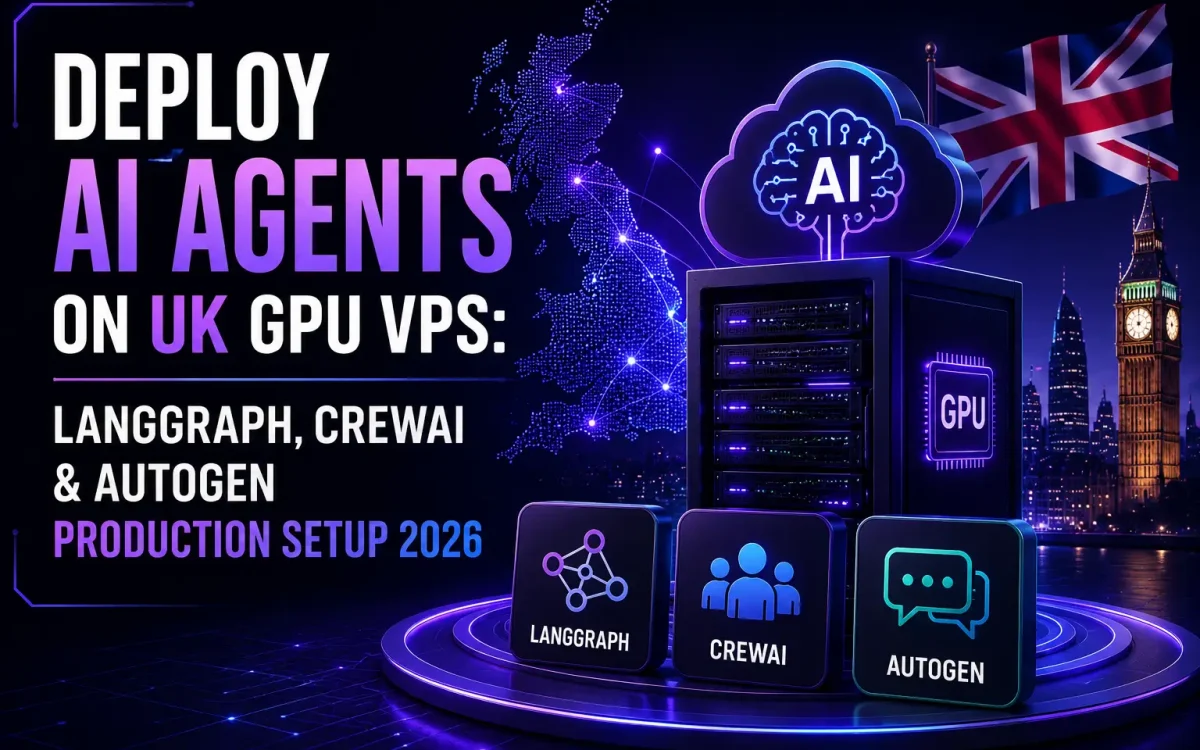
Running AI agents on UK GPU VPS infrastructure is the most consequential change to the British AI stack in 2026. Multi-step reasoning agents built on LangGraph, CrewAI, and AutoGen have moved from experimental scripts to production systems running customer support, code review, research, and back-office automation — and they need GPU-backed hosting that’s reliable, low-latency, and under your organisation’s control.
This guide walks through the complete production setup for deploying AI agents on UK GPU VPS infrastructure: choosing hardware, installing the GPU and container stack, picking the right framework (LangGraph vs CrewAI vs AutoGen), wiring up a local LLM backend, and securing the whole thing for production traffic in 2026.
Why AI Agents Are Defining 2026
Three things changed between 2024 and 2026 to make AI agents the dominant production AI pattern:
- Tool calling matured — every serious LLM (Claude, GPT-4 class, Llama 3.x, Mistral, Qwen) now supports structured function calling reliably.
- Agent frameworks consolidated — LangGraph (stateful graph workflows), CrewAI (role-based teams), and AutoGen (conversational multi-agent) cover 90%+ of production patterns.
- Self-hosted inference got cheaper — NVIDIA L4 and L40S GPUs make 7-14B parameter LLMs viable on a £200-400/month VPS, far below cloud-API equivalent spend for sustained agent workloads.
For UK businesses concerned about data sovereignty, IP protection, or simply runaway OpenAI bills, deploying agents on UK GPU infrastructure is now the default architecture rather than the exotic alternative.
How LangGraph, CrewAI, and AutoGen Compare
Each framework solves a different shape of problem. Use the table below to pick the one that matches your workload.
Quick rule of thumb: pick CrewAI to ship fast, LangGraph for complex production agents, AutoGen for chat-heavy or code-generation workflows.
Choose the Right GPU for AI Agent Workloads
Most production agent workloads need a GPU with 24-48 GB of VRAM and reasonable memory bandwidth. Three options dominate UK VPS providers in 2026:
- NVIDIA L4 (24 GB) — the best price/performance for 7-13B parameter LLMs. Ideal entry point for CrewAI or LangGraph agents running Llama 3.1 8B / Qwen2.5 14B locally.
- RTX 6000 Ada (48 GB) — runs 30-34B class models (Llama 3.3 70B quantised, Qwen2.5 32B) at production throughput. The sweet spot for multi-agent stacks.
- RTX PRO 6000 Blackwell (96 GB) — flagship for serious workloads: 70B+ class models, batched inference, or running multiple specialised agents on one card.
Pair the GPU with at least 32 GB of system RAM, 8 vCPU, and NVMe storage. For a deeper dive into UK-hosted AI infrastructure choices, see our guide to best hosting for AI startups.
Install Drivers and Container Tooling on Your VPS
Before any agent code runs, your VPS needs the GPU and container stack in place. The standard production base is Ubuntu 24.04 LTS:
- NVIDIA driver — install the latest LTS driver via the official Ubuntu PPA. Verify with
nvidia-smi. - Docker Engine — install Docker CE; agent stacks all ship as containers. Add your user to the
dockergroup. - NVIDIA Container Toolkit — bridges Docker and the GPU. Without it,
docker run --gpus allfails. - Python 3.11+ — modern frameworks require it.
- uv or poetry — fast Python dependency management; uv is now the default.
Take a snapshot of the VPS immediately after this base layer is working. You’ll redo this often during development.
How to Deploy a Local LLM Backend
Agents need an LLM backend that exposes an OpenAI-compatible API. The two leading choices in 2026:
- vLLM — fastest production-grade inference server, ideal when agents call the model heavily (batched/throughput-oriented). See our full vLLM + Llama 3.3 setup guide.
- Ollama — easiest setup, OpenAI-compatible by default, ideal for development and small-scale production.
Whichever you pick, expose the API only on the loopback interface and require a token. Agent frameworks then point at http://localhost:8000/v1 with your token.
Configure LangGraph for Production
LangGraph models agent behaviour as a directed graph of nodes and edges. Each node is a step (LLM call, tool, retrieval); edges define state transitions and branching. Production essentials:
- Checkpointer — persist graph state to PostgreSQL or Redis so failed runs can resume.
- Streaming — stream tokens and intermediate states to the frontend; LangGraph supports this natively.
- LangSmith tracing — invaluable for debugging multi-step failures in production.
- Human-in-the-loop nodes — for high-risk steps, pause the graph and require explicit user approval before continuing.
Configure CrewAI for Multi-Agent Workflows
CrewAI’s model is a “crew” of role-based agents that collaborate on a task. It’s the fastest way to ship a working multi-agent prototype.
- Define each agent’s role, goal, and backstory.
- Equip agents with tools (web search, code execution, custom REST APIs).
- Chain tasks with explicit dependencies, then let CrewAI route them.
- Set
memory=Trueso agents recall context across tasks in the same crew run. - For production deployment, wrap the crew in a FastAPI endpoint and queue long-running runs through Celery or RQ.
Configure AutoGen for Conversational Agents
Microsoft’s AutoGen excels when agents need to converse — debating, refining each other’s output, or pair-programming. Patterns:
- UserProxyAgent + AssistantAgent — the canonical setup; the assistant proposes code/answers, the proxy executes and reports back.
- GroupChat + GroupChatManager — orchestrate 3+ agents talking in turn, useful for code review or multi-perspective analysis.
- CodeExecutor — sandbox code execution in a Docker container; never run untrusted LLM-generated code on the host VPS directly.
- Timeouts and round limits — set
max_consecutive_auto_replyaggressively to prevent runaway loops.
Secure and Monitor Your AI Agent Stack
Production AI agents have a wider attack surface than ordinary web apps — every tool call is a potential injection point, and a single malicious prompt can trigger unintended actions. Lock the stack down:
- Rate limit by API key at the reverse proxy (NGINX or Caddy) — agents can burst expensive LLM calls fast.
- Sandbox tool execution — never let an agent execute shell, SQL, or HTTP calls on production credentials. Use scoped tokens and read-only DB users.
- Prompt-injection defence — sanitise tool outputs before re-feeding to the LLM; use Anthropic’s or OpenAI’s structured tool calling rather than free-text parsing.
- Observability — log every LLM call, tool invocation, token count, and latency. Prometheus + Grafana works well; LangSmith or Langfuse for trace-level debugging.
- Cost monitoring — track £/run; private hosting only beats OpenAI economics if utilisation stays above ~40% of GPU capacity.
- Compare hosting models before scaling — our analysis of self-hosted AI vs cloud platforms covers when the break-even tips.
Conclusion
Deploying AI agents on UK GPU VPS infrastructure in 2026 is no longer experimental — it’s the production default for British businesses that care about latency, data sovereignty, and predictable cost. Pick CrewAI to ship in days, LangGraph for complex production workflows, or AutoGen for conversational systems. Pair with an L4 or RTX 6000 Ada GPU, run vLLM or Ollama as the LLM backend, and lock the stack down with proper rate limiting, sandboxing, and tracing. Done right, an agent stack on UK hosting costs a fraction of equivalent cloud-API spend at meaningful utilisation.
UK GPU VPS for AI Agent Workloads
UK Speed runs NVIDIA L4, RTX 6000 Ada, and RTX PRO 6000 Blackwell GPU VPS in UK data centres — with the NVMe storage, networking, and 24/7 support that LangGraph, CrewAI, and AutoGen stacks need in production.
Explore UK Speed GPU VPS →