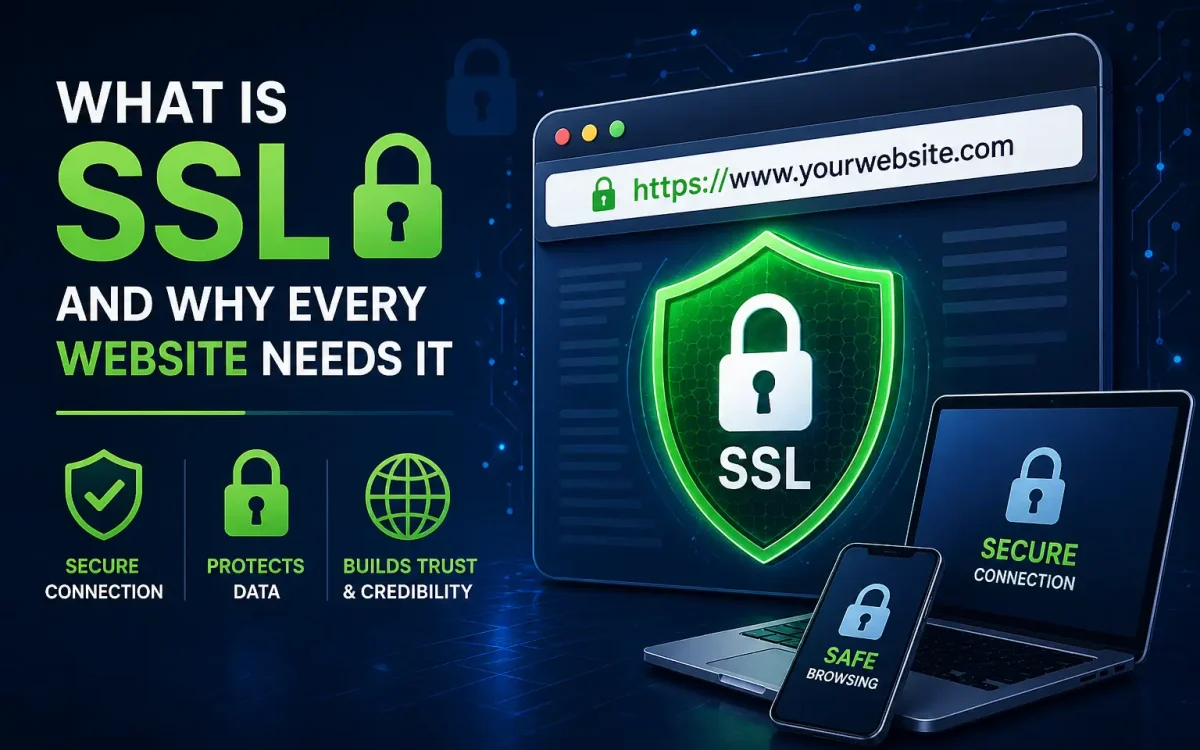
Website security and trust are more important than ever in 2026. Whether you run a personal blog, business website, online store, or enterprise platform, protecting visitor data is essential. One of the most important technologies behind secure websites is SSL.
You have probably seen the padlock icon in your browser and websites that begin with HTTPS rather than HTTP. That security comes from SSL.
But what is SSL exactly, how does it work, and why does every website need it?
In this complete guide, you will learn what SSL is, why it matters for security and SEO, how it works, different types of SSL certificates, and why no modern website should operate without it.
What Is SSL
SSL stands for Secure Sockets Layer.
It is a security technology that encrypts data exchanged between a website and its visitors.
In simple terms:
SSL protects information traveling between:
- Browser and website
- Users and servers
- Forms and databases
- Customers and checkout systems
Without SSL, transmitted data may be vulnerable.
With SSL, data is encrypted and far more secure.
Today, when people say SSL, they often also refer to its modern successor TLS, but SSL remains the commonly used term.
What Does SSL Stand For
SSL means:
Secure
Sockets
Layer
Its purpose is secure communication.
It creates encrypted connections.
This prevents attackers from easily intercepting sensitive information.
How SSL Works
SSL works by encrypting data before it is transmitted.
Only the intended recipient can properly decrypt it.
Simple SSL Process
When a visitor loads a secure website:
- Browser connects to the server
- Server presents an SSL certificate
- Browser verifies the certificate
- Encryption keys are established
- Secure communication begins
This process is called the SSL handshake.
It happens almost instantly.
Users usually do not even notice it.
But it protects every interaction.
What Is HTTPS
HTTPS means Hypertext Transfer Protocol Secure.
It is simply HTTP protected by SSL encryption.
HTTP without SSL:
Not secure.
HTTPS with SSL:
Encrypted and secure.
That small “S” matters a lot.
It means traffic is protected.
And browsers recognize it.
That is why secure sites show a padlock.
Why Every Website Needs SSL
Many people assume only online stores need SSL.
That is outdated thinking.
Every website should use SSL.
Reason 1 Data Protection
Even basic websites collect data.
Examples:
- Contact forms
- Login credentials
- Email signups
- Search inputs
SSL protects that information.
Reason 2 Visitor Trust
People trust secure websites more.
The padlock matters.
Security signals matter.
Trust affects engagement and conversions.
Reason 3 Browser Security Warnings
Modern browsers warn users about non-secure websites.
That can damage credibility immediately.
SSL helps avoid those warnings.
Reason 4 SEO Benefits
Search engines favor secure websites.
More on this shortly.
Reason 5 Compliance Requirements
Many privacy and security standards expect encryption.
SSL supports compliance.
SSL Benefits for Security
SSL provides several important protections.
Encrypts Data
Data in transit is protected.
Especially important for:
- Passwords
- Payment information
- Personal data
Helps Prevent Data Interception
Encryption helps reduce risks from interception attacks.
Reduces Man-in-the-Middle Risks
SSL helps protect against certain interception scenarios.
Improves Authentication
Certificates help verify website identity.
Visitors gain more confidence.
Protects Login Credentials
Critical for admin areas and user accounts.
SSL Benefits for SEO
SSL is not only security.
It also supports search visibility.
Search Engines Prefer Secure Sites
HTTPS has long been a ranking factor.
Security supports trust.
Trust supports SEO.
Better User Experience
Visitors are less likely to leave secure websites.
Lower bounce rates can help indirectly.
Improved Trust Can Improve Conversions
Better engagement often supports SEO performance.
Secure Sites Fit Modern Standards
Search engines increasingly favor quality and trust.
SSL supports both.
How SSL Protects Data
Without SSL:
Information may travel in plain text.
With SSL:
Data is encrypted.
That matters for protecting:
- Passwords
- Credit card data
- Contact forms
- Customer records
- User sessions
Especially for ecommerce.
But not only ecommerce.
Any data matters.
Types of SSL Certificates
Not all SSL certificates are the same.
Domain Validated SSL
Often called DV SSL.
Basic verification.
Suitable for:
- Blogs
- Small websites
- Basic business sites
Common and affordable.
Organization Validated SSL
OV SSL adds business verification.
Often used by organizations wanting stronger trust signals.
Extended Validation SSL
EV SSL involves more extensive validation.
Often used by:
- Banks
- Enterprises
- Large ecommerce sites
Provides higher identity verification.
Wildcard SSL
Protects a domain and subdomains.
Useful for:
- Main domain
- Blog subdomain
- App subdomain
Can simplify management.
Multi-Domain SSL
Secures multiple domains.
Useful for organizations managing several sites.
How to Choose an SSL Certificate
Choosing depends on your website.
For Blogs and Small Websites
Basic SSL may be enough.
For Business Sites
Consider stronger validation.
For Ecommerce
Higher-trust options may make sense.
For Multiple Subdomains
Wildcard certificates may help.
Choose based on:
- Website type
- Data sensitivity
- Trust needs
- Business requirements
How SSL Improves Trust and Conversions
Security affects conversions.
More than many realize.
Visitors ask subconsciously:
Is this site safe?
SSL helps answer yes.
That matters for:
- Lead forms
- Checkout pages
- Signups
- Membership sites
Trust can influence:
- Sales
- Leads
- Form completions
Security supports confidence.
Confidence supports conversion.
SSL and Ecommerce Security
For ecommerce, SSL is essential.
Customers share:
- Payment data
- Addresses
- Personal information
SSL helps protect transactions.
Without it:
Risk increases.
Trust decreases.
That is why secure checkout is critical.
SSL and Website Performance
Some assume SSL slows websites.
This is largely outdated.
Modern infrastructure handles SSL efficiently.
And modern protocols often benefit secure websites.
Security does not have to hurt speed.
Common SSL Myths
Myth 1 Only Ecommerce Sites Need SSL
False.
Every website should use SSL.
Myth 2 SSL Makes a Site Fully Hack-Proof
False.
SSL helps security.
It is not complete security alone.
Myth 3 SSL Hurts Performance
Mostly outdated.
Modern setups perform well.
Myth 4 Free SSL Is Always Bad
Not true.
Many free SSL certificates are excellent for many use cases.
How to Install SSL
Many hosting providers make SSL simple.
Typical process:
- Obtain SSL certificate
- Install certificate
- Enable HTTPS
- Redirect HTTP to HTTPS
- Update internal links if needed
- Test site security
Many hosts offer automatic SSL deployment.
Often with free certificates included.
Common SSL Errors
Sometimes issues happen.
Examples:
Mixed Content Errors
Some page resources still load insecurely.
Needs fixing.
Expired Certificates
Certificates must be renewed.
Incorrect Redirects
Improper HTTP to HTTPS rules can cause issues.
Certificate Mismatch
Domain mismatch can trigger warnings.
These issues are usually fixable.
Signs Your Website Needs SSL Right Now
If your site has any of these:
- Contact forms
- Login pages
- Customer accounts
- Ecommerce
- Search forms
- Admin panels
You need SSL.
Realistically:
All websites do.
SSL and Modern Hosting
Good hosting often includes:
- Free SSL
- Auto renewals
- Easy deployment
- HTTPS support
- Security integration
This makes implementation easier than ever.
class=”uks-auto-extlink”>Further Reading
For an authoritative reference on this topic, see Mozilla MDN — HTTPS Glossary.