WordPress continues to power over 40% of the web in 2026, making it the most popular content management system for businesses, bloggers, eCommerce stores, and enterprise websites. While most website owners focus on themes, plugins, and content optimization, one of the biggest performance gains often comes from the server itself. Many WordPress websites run on cPanel hosting environments, yet few administrators fully optimize their server settings. As a result, websites often suffer from slow page loads, higher server resource usage, poor Core Web Vitals scores, and lower search engine rankings. The good news is that a properly optimized cPanel server can dramatically improve WordPress performance without changing a single line of website code.
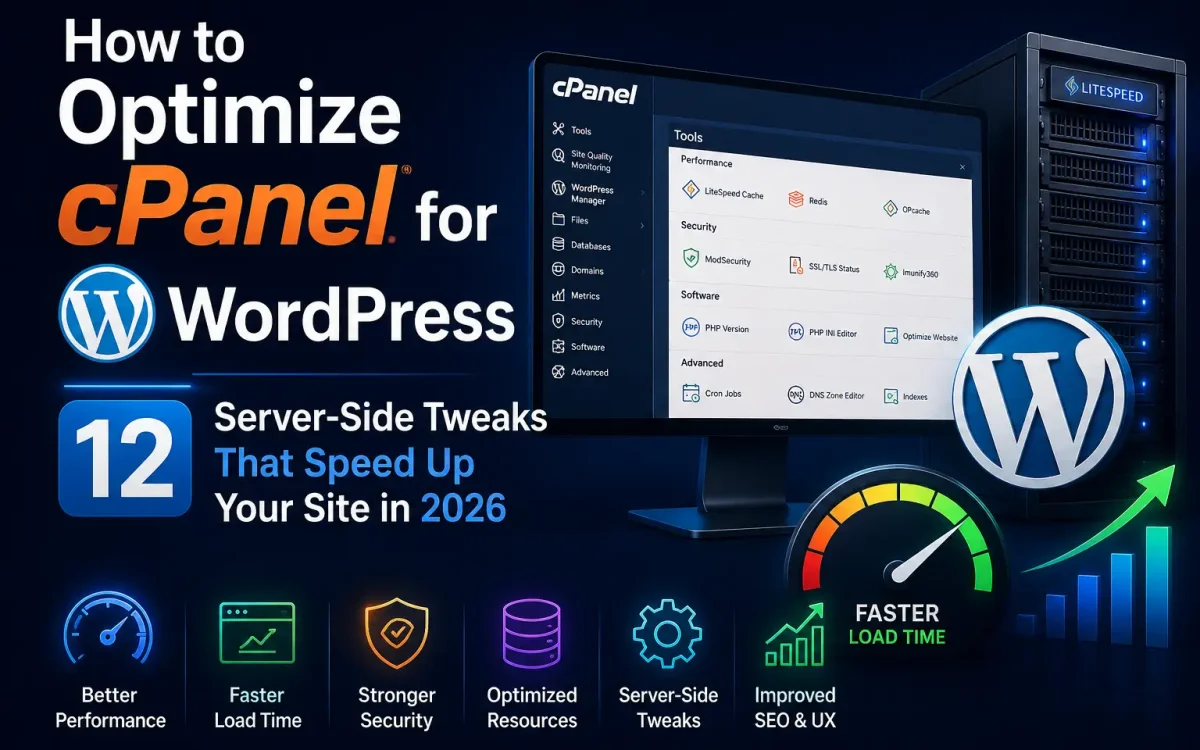
In this guide, we’ll explore 12 proven server-side optimizations that can make your WordPress website significantly faster in 2026.
Why Server Optimization Matters for WordPress
Before discussing specific tweaks, it’s important to understand how server performance impacts WordPress. Every page request typically involves:
- PHP processing
- Database queries
- File system access
- Object caching
- Network communication
- SSL processing
- Static asset delivery
Even the fastest WordPress theme cannot overcome a poorly configured server. Google’s Core Web Vitals metrics now play a significant role in user experience and SEO performance, making server optimization more important than ever.
1. Upgrade to PHP 8.4 or Newer
One of the easiest performance improvements comes from using the latest supported PHP version. Many older websites still operate on:
- PHP 7.4
- PHP 8.0
- PHP 8.1
These versions are slower than modern PHP releases.
Benefits of PHP 8.4
- Faster execution times
- Lower memory consumption
- Improved security
- Better WordPress compatibility
- Enhanced WooCommerce performance
How to Change PHP Version in cPanel
Navigate to:
cPanel → MultiPHP Manager
Select your domain and choose the latest supported PHP version. For most WordPress installations, PHP 8.4 provides substantial performance improvements.
2. Enable OPcache
PHP OPcache is one of the most important performance features available. Without OPcache: PHP scripts are compiled every time a visitor loads a page.
With OPcache: Compiled scripts remain stored in memory.
Benefits
- Reduced CPU usage
- Faster page generation
- Lower server load
- Better scalability
Recommended OPcache Settings
opcache.enable=1
opcache.memory_consumption=256
opcache.max_accelerated_files=20000
opcache.revalidate_freq=60
Many hosting providers enable OPcache by default, but verification is recommended.
3. Switch from Apache Prefork to LiteSpeed or Event MPM
Traditional Apache Prefork is no longer ideal for high-performance WordPress hosting. Modern alternatives include:
LiteSpeed Web Server
Benefits:
- Lower memory usage
- Faster static file delivery
- Built-in caching
- Better concurrency
Apache Event MPM
Benefits:
- Improved request handling
- Better scalability
- Reduced RAM consumption
For WordPress websites, LiteSpeed often delivers the largest performance gains.
4. Enable HTTP/3 and QUIC
HTTP/3 has become the new standard for modern web performance. Advantages include:
- Reduced latency
- Faster TLS negotiation
- Better mobile performance
- Improved packet loss handling
Visitors on mobile networks often experience noticeably faster loading times.
Verification
Use browser developer tools or online HTTP/3 testing services. Many modern hosting providers now support HTTP/3 by default.
5. Enable Brotli Compression
Compression reduces file sizes before transmission. While Gzip remains common, Brotli provides superior compression ratios.
Assets Improved by Brotli
- HTML
- CSS
- JavaScript
- JSON
- XML
Benefits
- Faster page loads
- Reduced bandwidth usage
- Improved Core Web Vitals
Brotli typically outperforms Gzip by 15–25%.
6. Optimize MySQL or MariaDB
Database performance directly affects WordPress speed. Every page request generates database activity.
Recommended Database Optimizations
Increase:
innodb_buffer_pool_size
Optimize:
query_cache
Adjust:
max_connections
Monitor:
- Slow queries
- Database fragmentation
- Table optimization
WordPress sites with WooCommerce especially benefit from database tuning.
7. Deploy Redis Object Cache
Redis remains one of the most effective WordPress acceleration technologies.
What Redis Does
Instead of repeatedly querying MySQL, WordPress retrieves frequently used data from memory.
Benefits
- Faster dynamic pages
- Reduced database load
- Better WooCommerce performance
- Lower CPU utilization
Redis is especially valuable for:
- Membership websites
- Learning platforms
- Online stores
- High-traffic blogs
8. Use NVMe SSD Storage
Storage speed affects:
- Database operations
- PHP execution
- File access
- Backup performance
Traditional SSD
Average latency:
~100 microseconds
Enterprise NVMe
Average latency:
~20 microseconds
Modern WordPress hosting should always use enterprise-grade NVMe storage. This is particularly important for WooCommerce and database-heavy websites.
9. Enable CloudLinux Resource Isolation
CloudLinux remains one of the best technologies for cPanel hosting.
Benefits
- Resource isolation
- Reduced noisy-neighbor effects
- Improved stability
- Better account security
Key Features
- LVE Limits
- CageFS
- PHP Selector
- Resource Monitoring
CloudLinux helps ensure consistent performance even on shared hosting environments.
10. Tune PHP-FPM Settings
PHP-FPM has become the preferred PHP handler for WordPress.
Benefits
- Faster request processing
- Better resource management
- Lower memory usage
- Improved concurrency
Example Settings
pm = dynamic
pm.max_children = 50
pm.start_servers = 10
pm.min_spare_servers = 5
pm.max_spare_servers = 20
Proper tuning depends on:
- Available RAM
- CPU resources
- Website traffic
Poor PHP-FPM settings can become a major bottleneck.
11. Optimize DNS Performance
DNS lookups affect every visitor. A slow DNS provider can increase loading times before the website even begins rendering.
Recommended DNS Features
- DNSSEC
- Anycast DNS
- Fast global propagation
- DDoS protection
Popular DNS solutions include enterprise-grade providers capable of reducing lookup latency worldwide.
Why DNS Matters
Faster DNS resolution leads to:
- Faster connection establishment
- Better user experience
- Improved perceived performance
12. Use Server-Level Caching
Many website owners rely exclusively on WordPress caching plugins. However, server-level caching is significantly more efficient.
LiteSpeed Cache
One of the fastest WordPress caching solutions available.
NGINX FastCGI Cache
Excellent for high-traffic websites.
Varnish Cache
Powerful reverse proxy caching.
Benefits
- Reduced PHP execution
- Lower database usage
- Faster response times
- Better scalability
Proper server-side caching can reduce page generation times from several hundred milliseconds to just a few milliseconds.
Additional Optimization Tips
Enable Image Compression
Reduce image sizes before upload.
Use a CDN
Benefits include:
- Faster global delivery
- Reduced server load
- Better scalability
Remove Unused Plugins
Inactive plugins still increase maintenance complexity.
Keep WordPress Updated
Updates often include performance improvements.
Monitor Resource Usage
Track:
- CPU utilization
- Memory consumption
- MySQL performance
- Disk I/O
- Network traffic
Continuous monitoring helps identify bottlenecks before they affect visitors.
WordPress Performance Checklist
For maximum performance in 2026, your hosting environment should include: ✅ PHP 8.4+ ✅ OPcache Enabled
✅ Redis Object Cache ✅ NVMe Storage ✅ HTTP/3 Support
✅ Brotli Compression ✅ PHP-FPM ✅ DNSSEC
✅ Server-Level Caching ✅ CloudLinux ✅ Optimized MariaDB
✅ Modern Web Server Stack When combined, these optimizations can dramatically improve website speed and user experience.
How Faster Servers Improve SEO
Google continues prioritizing user experience. Faster websites often experience:
Better Core Web Vitals
Improved:
- Largest Contentful Paint (LCP)
- First Input Delay (FID)
- Interaction to Next Paint (INP)
Higher Rankings
Performance remains a competitive advantage.
Lower Bounce Rates
Users stay longer on faster websites.
Increased Conversion Rates
Studies consistently show faster websites generate more leads and sales. Server optimization contributes directly to these outcomes.
Why Hosting Infrastructure Matters
Even perfectly optimized WordPress websites can struggle on outdated hosting platforms. Modern hosting environments should provide:
- Enterprise NVMe storage
- Latest-generation CPUs
- DDR5 memory
- Optimized PHP environments
- Advanced caching technologies
- Modern networking infrastructure
These components work together to deliver consistent WordPress performance.
Why UKSpeed Hosting Is Optimized for WordPress
At UKSpeed, WordPress hosting environments are designed with performance in mind. Infrastructure features include:
- High-performance AMD EPYC processors
- Enterprise NVMe SSD storage
- Modern PHP environments
- Optimized MariaDB configurations
- Advanced caching technologies
- DNS security enhancements
- High-speed networking
This allows WordPress websites to achieve excellent speed, reliability, and scalability while maintaining strong SEO performance.
Final Thoughts
WordPress optimization is no longer just about plugins and themes. In 2026, server-side performance plays a critical role in website speed, search engine rankings, user experience, and business success. By implementing these 12 cPanel server-side optimizations, website owners can dramatically improve page load times, reduce server resource consumption, and provide a faster experience for visitors. Whether you’re managing a personal blog, a WooCommerce store, a membership platform, or an enterprise website, investing in server optimization remains one of the highest-return improvements you can make to your WordPress infrastructure.
Looking for fast, secure hosting?
Visit UK Speed for cloud servers, VPS NVMe, and dedicated hosting tailored for performance.
Further Reading
For an authoritative reference on this topic, see WordPress.org — Optimization Documentation.