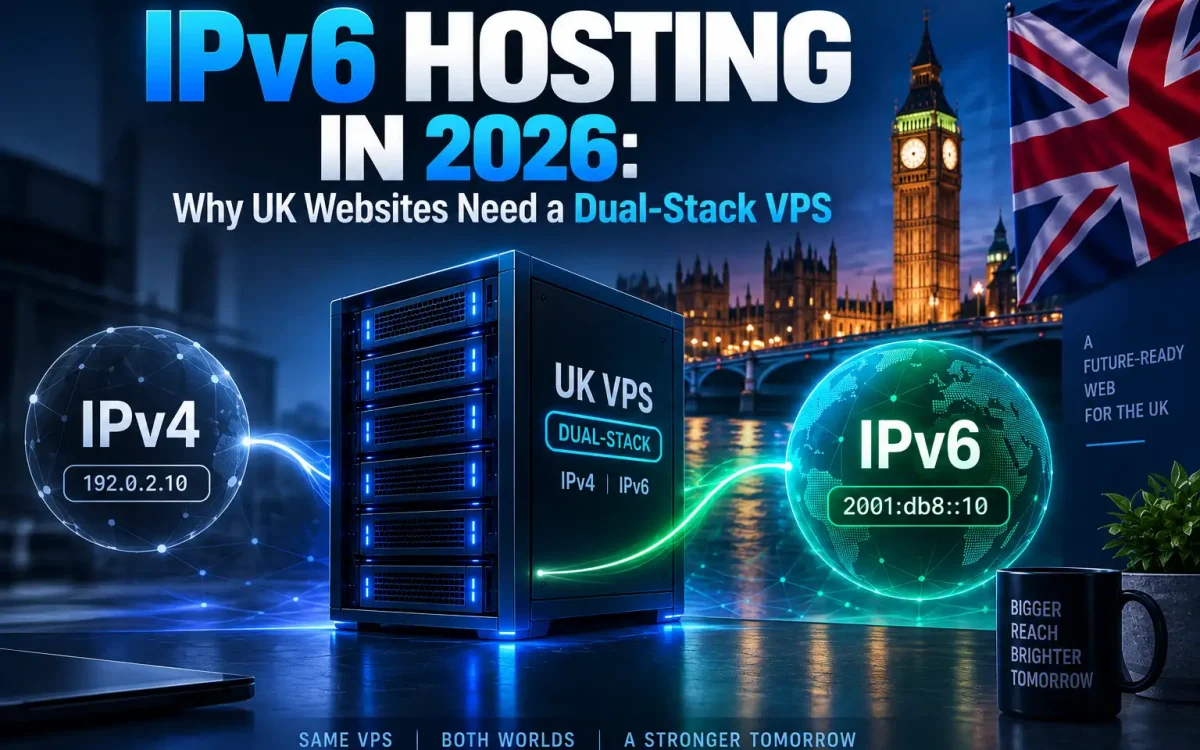
IPv6 hosting is quietly becoming the baseline for any serious website, and in 2026 UK site owners who ignore it risk leaving a growing slice of visitors on a slower, less direct path to their server. The good news is that adopting IPv6 does not mean abandoning what you already have. By running a dual-stack VPS, your site answers over both the old and the new internet addressing systems at once, so nobody gets left behind. This guide explains what IPv6 is, why it matters now, and exactly how to switch it on and test it on a Linux VPS.
What Is IPv6?
Every device on the internet needs an address so that traffic can find it. For decades that meant IPv4, a 32-bit scheme that offers roughly 4.3 billion unique addresses. That sounded limitless in the 1980s, but the modern internet, with its phones, laptops, smart devices and cloud servers, blew past it long ago. IPv6 is the current addressing protocol built to solve that problem. It uses 128-bit addresses, giving a practically inexhaustible pool.
An IPv6 address looks very different from the familiar dotted IPv4 style. Instead of 203.0.113.10, you get something like 2001:db8::1, written in hexadecimal and separated by colons. It looks intimidating at first, but the concept is identical: it is simply a unique label that identifies your server on the network. The regional internet registries manage these addresses, and you can read the authoritative background from RIPE NCC on IPv6, the registry responsible for Europe and the UK.
Why IPv6 Hosting Matters in 2026
The single biggest driver is IPv4 exhaustion. The free pools of IPv4 addresses held by the regional registries, including RIPE for Europe, have run dry. That scarcity has turned IPv4 addresses into a traded commodity that gets more expensive every year. IPv6, by contrast, is abundant and free to allocate, which is why network operators everywhere are pushing traffic onto it.
For a UK website, the practical consequences are real. Mobile and broadband networks now carry a large share of their traffic over IPv6 by default. Many home and mobile users sit behind Carrier-Grade NAT (CGNAT), where their provider shares a shrinking pool of IPv4 addresses among thousands of customers, but hands each device a clean, direct IPv6 address. Some clients are effectively IPv6-first, and a growing number of networks are moving towards IPv6-only. Serving those visitors over IPv6 can mean more direct routing and fewer translation hops between them and your server.
It is worth being honest about SEO. IPv6 is not a strong direct ranking factor, and you should treat anyone who claims otherwise with caution. What it genuinely offers is reachability for every visitor, a small trust and quality signal that your infrastructure is current, and a way to future-proof your site against networks that continue shifting away from IPv4. Those are solid reasons on their own.
What You Need for IPv6 Hosting
Getting started with IPv6 hosting is less work than most people expect. You need three things: a VPS or server whose provider assigns you an IPv6 address or block, network and firewall configuration on the server itself, and an DNS record that points your domain at the new address. Providers of modern UK VPS hosting, UK Speed included, allocate IPv6 alongside IPv4 as standard, so the raw address is usually already waiting for you in your control panel.
IPv4 vs IPv6 vs Dual-Stack

Before configuring anything, it helps to understand the three states your server can be in. Running IPv4 only is the traditional setup and still works, but it cuts you off from the direct IPv6 path. Running IPv6 only is the most modern, yet it would lock out any visitor whose network still uses only IPv4, which today would be a serious mistake. The sensible middle ground is dual-stack, where the server runs both protocols simultaneously and each visitor connects over whichever they have.
| Aspect | IPv4 only | IPv6 only | Dual-stack |
|---|---|---|---|
| Address format | 203.0.113.10 | 2001:db8::1 | Both at once |
| Reaches IPv4 visitors | Yes | No | Yes |
| Reaches IPv6-only visitors | No | Yes | Yes |
| Address availability | Scarce and costly | Abundant | Both |
| Future-proof | Limited | Yes, but premature | Recommended |
The takeaway is simple. Dual-stack is the recommended approach for virtually every production website in 2026. It future-proofs your reachability without sacrificing a single existing visitor. The rest of this guide assumes that is your goal.
How to Check for IPv6 Support
Start by checking what your server already knows about. Log in over SSH and ask the network interface for its IPv6 addresses:
ip -6 addr

# ping an IPv6 host to confirm connectivity
ping6 -c 4 ipv6.google.com
# on newer systems this is:
ping -6 -c 4 ipv6.google.com

# fetch a page over IPv6 only
curl -6 https://ifconfig.co
If ip -6 addr shows a global address beginning with a value like 2a0… or 2001:… (rather than only a link-local fe80:: entry), your server has an IPv6 address assigned. From your own computer, the friendliest check is to visit test-ipv6.com in a browser, which scores your connection and tells you whether your network can reach IPv6 sites at all. That distinction matters: if your home connection is IPv4 only, you will need an IPv6-capable client to properly test your site later.
How to Configure IPv6 on Your VPS

Your provider assigns you an IPv6 address or a small block, along with a gateway and a prefix length (commonly /64). On a modern Ubuntu VPS this is configured with netplan. Edit the file in /etc/netplan/ and add your details:
network:
  version: 2
  ethernets:
    eth0:
      dhcp4: true
      addresses:
        - "2001:db8:abcd:1::100/64"
      routes:
        - to: "::/0"
          via: "2001:db8:abcd:1::1"
      nameservers:
        addresses: [2606:4700:4700::1111, 1.1.1.1]
Apply it with sudo netplan apply, then re-run ip -6 addr to confirm the address is live. Other distributions use their own network config (for example NetworkManager or /etc/network/interfaces), but the ingredients are identical: address, prefix and gateway.
Next, make your services actually listen on IPv6. A web server bound only to IPv4 will never answer an IPv6 request. In Nginx, add IPv6 listen directives:
server {
    listen 80;
    listen [::]:80;
    listen 443 ssl;
    listen [::]:443 ssl;
    server_name example.co.uk;
}
Do the same review for SSH and any other service. Crucially, open IPv6 in your firewall. If you use ufw, its rules cover both stacks by default, but with raw tables you must configure ip6tables separately from iptables. While you are hardening the box, our guide to SSH hardening on a Linux VPS applies equally to your IPv6 listeners.
Add AAAA Records in DNS
DNS is how a domain name is translated into an address. An A record maps your hostname to an IPv4 address; an AAAA record (pronounced “quad-A”) maps the same hostname to an IPv6 address. To go dual-stack at the DNS level, you keep your existing A record and add a matching AAAA record alongside it:
; existing IPv4 record
example.co.uk.   3600   IN   A      203.0.113.10

; new IPv6 record
example.co.uk.   3600   IN   AAAA   2001:db8:abcd:1::100
With both records in place, an IPv6-capable visitor’s resolver will prefer the AAAA record, while an IPv4-only visitor uses the A record. Remember that DNS changes are not instant; see our explainer on DNS propagation and why changes take time. If you run DNSSEC, adding an AAAA record does not break signing, but it is worth confirming your zone re-signs correctly, as covered in our DNSSEC setup guide.
Test and Troubleshoot IPv6

Once DNS has propagated, verify everything end to end. Confirm the AAAA record is published and fetch the site over IPv6 only:
dig AAAA example.co.uk +short

# force an IPv6-only request to your live site
curl -6 -I https://example.co.uk
A clean HTTP/2 200 response over curl -6 means your dual-stack chain is working. The most common problems have simple causes:
- The firewall is not allowing IPv6 traffic on ports 80 and 443.
- The web server or SSH daemon is still bound only to IPv4 (no
[::]listener). - The AAAA record is missing, has a typo, or has not yet propagated.
- The gateway or prefix length in your network config is wrong, so the server has an address but no route.
Working through that list in order resolves the vast majority of IPv6 hosting issues. Finish by loading your site on an IPv6-capable connection and running it through test-ipv6.com.
Best Practices for Dual-Stack Hosting
A few habits keep a dual-stack setup healthy. First, always run dual-stack rather than IPv6-only for a public website, so no visitor is ever excluded. Second, secure IPv6 with the same rigour as IPv4. This is the most common and most dangerous oversight: firewall rules written only for iptables can leave services wide open over IPv6, silently bypassing protections you thought were in place.
Third, keep your A and AAAA records in sync. If you migrate servers or change addresses, update both, or an IPv6 visitor may be sent to a dead address while IPv4 visitors are fine, producing a confusing “works for some people” fault. Finally, always test from a genuine IPv6 client before you consider the job done. Choosing a provider that assigns IPv6 as standard on its UK datacentre hosting makes all of this far easier, and UK Speed provisions dual-stack VPS plans out of the box.
Conclusion
IPv6 is no longer optional plumbing; it is the direction the entire internet is travelling. With IPv4 addresses scarce and expensive and more networks going IPv6-first, dual-stack hosting is the practical way to stay reachable by everyone while future-proofing your site. Best of all, it takes only a network config change, a firewall check and one AAAA record to get there.
Here is what to do next:
- Check whether your VPS already has an IPv6 address with
ip -6 addr. - Configure the address, gateway and firewall, and bind your services to
[::]. - Add an AAAA record alongside your existing A record.
- Verify with
curl -6and test-ipv6.com from an IPv6 connection.
Get a dual-stack UK Speed VPS
Run your site on fast UK NVMe VPS with IPv4 and IPv6 out of the box, full root access and a premium network built for reach and speed.