- What Is Stable Diffusion and FLUX?
- Why Self-Host Image Generation
- Stable Diffusion vs FLUX: Which to Use
- How to Choose a GPU VPS for Image Generation
- How to Install ComfyUI on UK GPU VPS
- How to Run FLUX and SDXL Models
- Optimize VRAM and Generation Speed
- Best Practices for Self-Hosted Image Generation
- Conclusion
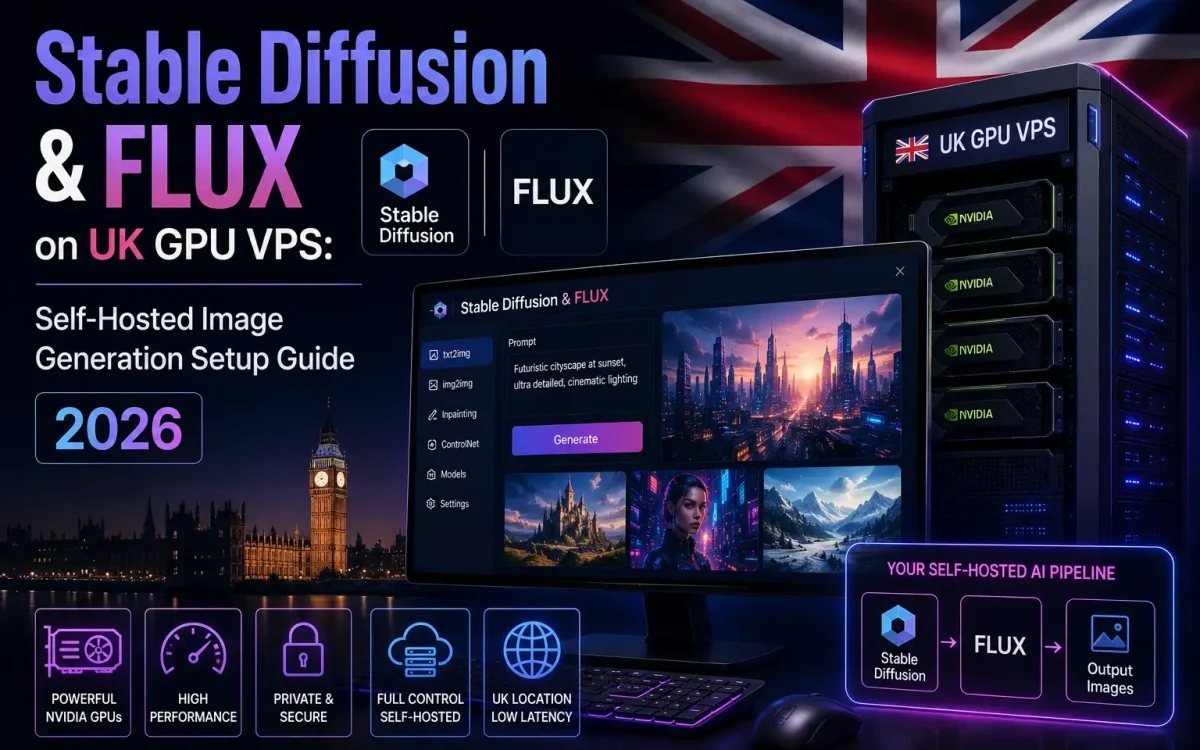
You can now self-host Stable Diffusion and FLUX on a single UK GPU VPS, keeping every prompt and generated image on hardware you control. Generative image models have moved from cloud APIs to your own hardware, and the tooling is finally mature enough to run them reliably in production. This guide shows UK developers, startups, designers, and agencies how to self-host Stable Diffusion and FLUX on a UK GPU VPS using ComfyUI, from picking the right amount of VRAM to running FLUX.1 and SDXL models, tuning speed, and locking the whole thing down. The result is fast, private, on-demand image generation you own end to end.
What Is Stable Diffusion and FLUX?
Stable Diffusion is a family of open-source latent diffusion models that turn text prompts into images. It works by progressively removing noise in a compressed “latent” space, which keeps memory use low enough to run on consumer and data-centre GPUs alike. The main lineage matters when you choose a model: SD 1.5 is light and older, SDXL produces much higher quality at around 1024px, and SD3 / SD3.5 are the newest releases with improved text rendering and composition.
FLUX.1, released by Black Forest Labs, is a newer generation of text-to-image model that pushes state-of-the-art quality and prompt adherence. Where older Stable Diffusion checkpoints sometimes drift from the prompt, FLUX tends to follow complex instructions and render legible text more faithfully. It comes in several variants aimed at different needs, which we cover in the comparison below. Together, Stable Diffusion and FLUX give you an open, self-hostable stack that rivals commercial image APIs.
Why Self-Host Image Generation
When to Self-Host Stable Diffusion and FLUX
You should self-host Stable Diffusion when prompts, source images and generated output must stay on UK infrastructure, when per-image API fees stack up at volume, or when you need full control over models, LoRAs and custom pipelines that hosted services lock down. Running your own GPU VPS means the whole self-host Stable Diffusion and FLUX workflow — from the checkpoint to the final PNG — never leaves a server you control.
Paid image APIs are convenient, but they bill per image and send your prompts and outputs to a third party. For teams handling client briefs, unreleased product shots, or sensitive concepts, that is a real privacy and compliance concern. Self-hosting keeps everything on infrastructure you control.
- Privacy and UK data residency: prompts and generated images never leave your server, which simplifies GDPR obligations and keeps client work confidential.
- No per-image fees: once the VPS is running, generation cost is flat and predictable regardless of volume — a decisive advantage at scale.
- Full control: you choose the exact models, add LoRAs and fine-tunes, and build custom pipelines instead of being limited to a vendor’s menu.
- Commercial certainty: with the right licence you can generate for paid client work without surprise usage caps.
The same logic that drives teams to self-host LLMs like Llama, Mistral, and Qwen on a UK GPU VPS applies to images. If you are weighing the trade-offs more broadly, our guide on self-hosted AI versus cloud AI platforms is a useful companion. The freedom to run open workflows also carries a responsibility to filter misuse, which we return to in best practices.
Stable Diffusion vs FLUX: Which to Use

There is no single winner — the right choice depends on quality needs, speed, VRAM, and licensing. FLUX generally leads on raw quality and prompt adherence; Stable Diffusion has a vast ecosystem of LoRAs, fine-tunes, and community tooling. Licensing is the detail that catches teams out, so read it carefully before any commercial use.
| Model | Quality / strengths | Approx. VRAM | Licence |
|---|---|---|---|
| SD 1.5 | Light, fast, huge LoRA ecosystem; lower fidelity | ~4–6GB | Open (CreativeML) |
| SDXL | High quality ~1024px, mature tooling | ~8–12GB | Open |
| SD3 / 3.5 | Better text and composition | ~10–16GB | Stability community licence |
| FLUX.1 [schnell] | Very fast (~1–4 steps), strong quality | ~12GB with fp8/GGUF | Apache-2.0 (commercial OK) |
| FLUX.1 [dev] | Highest fidelity (~20–50 steps) | ~24GB fp16, ~12GB quantised | Non-commercial |
| FLUX.1 [pro] | Top quality, closed | API only | Closed / API |
A practical rule of thumb: choose FLUX.1 [schnell] when you need commercially safe, fast generation; FLUX.1 [dev] for the highest fidelity in internal or non-commercial work; and SDXL when you want a huge library of community fine-tunes and LoRAs. Many teams run more than one, switching per job.
How to Choose a GPU VPS for Image Generation
VRAM is the constraint that decides which models you can run. Everything else — CUDA cores, memory bandwidth — affects speed, but if a model does not fit in VRAM it simply will not load without quantisation. Use this as a rough sizing guide:
- SD 1.5: comfortable on ~4–6GB, viable even on modest GPUs.
- SDXL: ~8–12GB for smooth 1024px generation with headroom.
- FLUX.1 [dev] full fp16: around 24GB, but runs on roughly 12GB using fp8 or GGUF quantisation.
- FLUX.1 [schnell]: lighter and fast, a good fit for mid-range cards.
A 24GB GPU is the practical sweet spot: an NVIDIA L4 or RTX 4090-class card handles quantised FLUX and SDXL comfortably, while an L40S with 48GB gives generous headroom for batching, larger resolutions, or running multiple models. For the wider trade-offs between data-centre cards, see our breakdown of H100 vs A100 vs L40S GPU VPS options. UK Speed’s UK GPU VPS plans keep this hardware inside British data centres, which matters for the data-residency benefits above. If you are planning wider AI infrastructure, our guide to the best hosting for AI startups covers scaling beyond a single node.
How to Install ComfyUI on UK GPU VPS

ComfyUI is a node- and graph-based interface and the preferred tool for FLUX and efficient low-VRAM workflows, with native support for fp8 and GGUF quantised models. AUTOMATIC1111 and its Forge fork remain the classic WebUI choice for Stable Diffusion, so mention both to your team — but for FLUX we recommend ComfyUI. Start by provisioning a UK GPU VPS with recent NVIDIA drivers and CUDA installed, then set up a clean Python environment.
# Verify the GPU and driver are visible
nvidia-smi

# Clone ComfyUI and create an isolated environment
git clone https://github.com/comfyanonymous/ComfyUI
cd ComfyUI
python3 -m venv venv
source venv/bin/activate

# Install the correct PyTorch CUDA build, then ComfyUI deps
pip install torch torchvision --index-url https://download.pytorch.org/whl/cu124
pip install -r requirements.txt
Bind ComfyUI to localhost and reach it over an SSH tunnel — never expose the raw port to the internet:
# On the server: start ComfyUI on localhost only
python main.py --listen 127.0.0.1 --port 8188

# On your laptop: forward the port over SSH
ssh -L 8188:127.0.0.1:8188 user@your-vps-ip
# then open http://127.0.0.1:8188 in your browser
How to Run FLUX and SDXL Models
Models are not bundled with ComfyUI — you download the weights and drop them into the correct subfolders. SDXL checkpoints are single files that live in ComfyUI/models/checkpoints. FLUX is split across components: the main model goes in models/unet, the text encoders in models/clip, and the VAE in models/vae. Always pull weights from the official source. The authoritative FLUX repository is Black Forest Labs on Hugging Face, where the licence for each variant is stated clearly.
# SDXL checkpoint
wget -P models/checkpoints https://huggingface.co/<org>/<sdxl-model>/resolve/main/sd_xl_base_1.0.safetensors

# FLUX components (example paths)
wget -P models/unet  https://huggingface.co/black-forest-labs/<flux-model>/resolve/main/flux1-schnell.safetensors
wget -P models/clip  https://huggingface.co/<org>/<clip>/resolve/main/t5xxl_fp8.safetensors
wget -P models/vae   https://huggingface.co/black-forest-labs/<flux-model>/resolve/main/ae.safetensors
In ComfyUI, load a FLUX or SDXL example workflow, point the loader nodes at your files, enter a prompt, and queue the generation. Step counts differ sharply by model: FLUX.1 [schnell] produces good results in roughly 4 steps, while FLUX.1 [dev] and SDXL want 20–30+ steps for full fidelity. Before using any output commercially, confirm the licence — schnell is Apache-2.0 and commercially permissive, whereas dev is released under a non-commercial licence.
Optimize VRAM and Generation Speed

If FLUX will not fit or generation feels slow, a handful of levers make a large difference. Most teams combine two or three of these to hit their target throughput on a single card.
- Quantise: use fp8 or GGUF FLUX builds to fit ~24GB models into roughly 12GB of VRAM with minimal quality loss.
- Memory flags: launch with
--lowvramor--medvramso ComfyUI offloads parts of the model when VRAM is tight. - Attention backends: enable xformers or the built-in PyTorch attention to cut memory use and speed up sampling.
- Right-size steps and scheduler: do not run schnell at 30 steps — around 4 is enough. Match the scheduler to the model.
- torch.compile: compiling the model can meaningfully raise throughput for repeated generations.
- Fast storage: keep checkpoints on NVMe so multi-gigabyte models load quickly, and batch images to amortise setup cost.
These techniques mirror the inference tuning used in other GPU workloads, such as building a self-hosted RAG pipeline on a UK GPU VPS, where fitting models into available VRAM is equally decisive.
Best Practices for Self-Hosted Image Generation
A working ComfyUI install is the start, not the finish. To run it as a dependable service, harden access and automate the operational basics.
- Never expose ComfyUI unauthenticated. Put an Nginx reverse proxy with HTTP auth (or a VPN) in front, or restrict access to an SSH tunnel. The web UI has no built-in authentication.
- Run it as a service. Wrap ComfyUI in a systemd unit so it restarts on failure and survives reboots.
- Monitor the GPU. Track VRAM use and temperatures with
nvidia-smior a dashboard so you catch thermal throttling and out-of-memory errors early. - Respect licences. Keep a record of which model produced each asset; use schnell or SDXL for commercial output and treat dev as non-commercial unless you hold a separate agreement.
- Add content safety. Any public-facing generator needs input and output filtering to prevent misuse — self-hosting removes the vendor’s guardrails, so you provide your own.
Conclusion
Self-hosting image generation gives you private, predictable, and fully controllable creative infrastructure. With a 24GB-class GPU, ComfyUI, and the right FLUX or Stable Diffusion model, a small team can match commercial APIs on quality while keeping every prompt and image on UK soil. The key decisions are VRAM sizing, model licensing, and locking down access.
- Provision a UK GPU VPS with ~24GB VRAM (L4 or RTX 4090-class; L40S for headroom).
- Install ComfyUI in a venv and reach it only via SSH tunnel or an authenticated proxy.
- Start with FLUX.1 [schnell] for fast, commercially safe results; add SDXL for LoRAs.
- Quantise, tune steps, and run as a systemd service before going to production.
Self-host Stable Diffusion and FLUX on a UK Speed server
Generate images on powerful AMD EPYC cloud servers with fast NVMe storage, all hosted in the UK.