- Why Node.js Apps Need PM2 Resurrect on UK VPS
- How PM2 Resurrect Manages Node.js Processes in Production
- How to Install PM2 on Ubuntu 24.04 UK VPS
- Using pm2 save and pm2.dump for State Persistence
- How to Set Up PM2 Resurrect for Automatic Boot Recovery
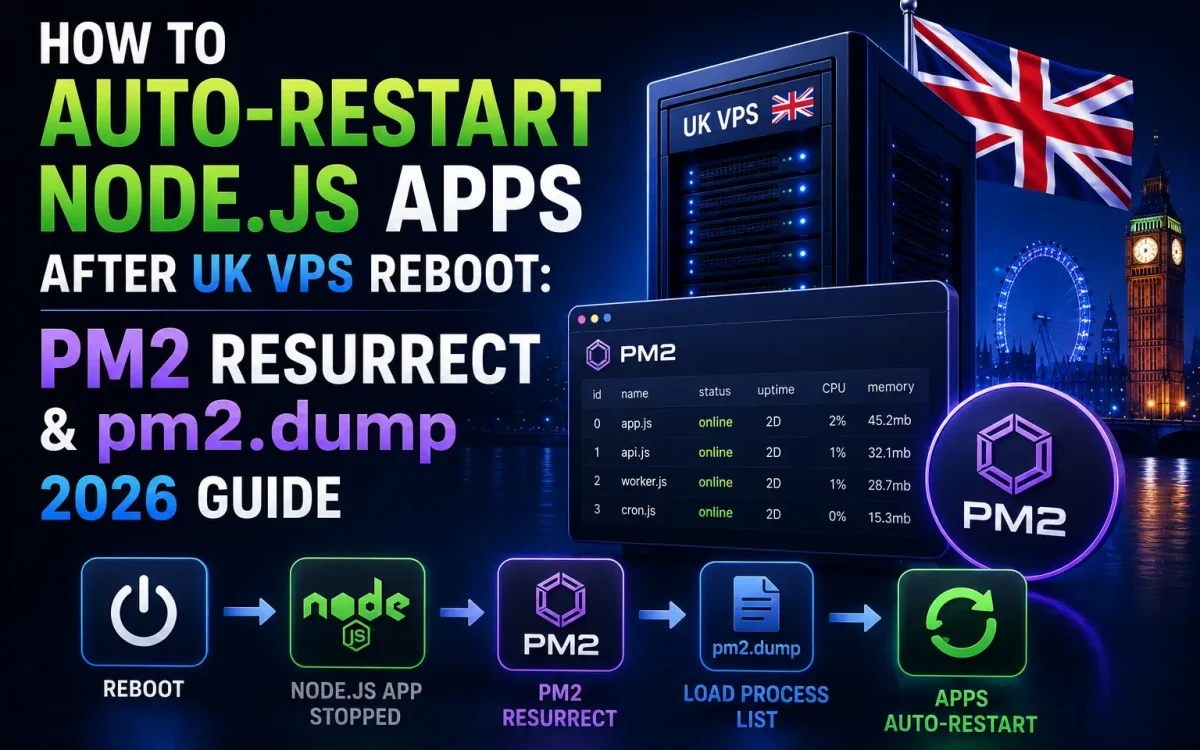
- How PM2 Resurrect Works After a UK VPS Reboot
- Testing PM2 Resurrect with a Real Server Reboot
- How to Use PM2 Ecosystem File for Reproducible Deploys
- Monitoring Node.js Apps with PM2 Metrics
PM2 Resurrect UK VPS is the two-command trick every Node.js developer needs to know before shipping to production, because a single unplanned reboot can silently take down your entire API stack without it. PM2 is the Node.js process manager that keeps applications running under load, restarts crashed workers, and — with pm2 save plus pm2 startup — reliably brings every service back after any UK VPS reboot. This guide shows the complete PM2 Resurrect workflow, from installation to auto-restart configuration and monitoring, tested on Ubuntu 24.04 LTS running on a UK Speed premium network VPS.
Why Node.js Apps Need PM2 Resurrect on UK VPS
A Node.js app started with node server.js dies the moment the SSH session ends, the process crashes, or the UK VPS reboots. In production, none of those events should ever bring down your API. PM2 solves crash restart automatically, but that alone does not survive a reboot — after a fresh boot, PM2 itself is not running, and without pm2 save plus pm2 startup, every Node.js service must be manually started. PM2 Resurrect closes this final gap: on any reboot, systemd starts PM2, PM2 reads its saved dump, and every app comes back exactly as it was.
How PM2 Resurrect Manages Node.js Processes in Production
PM2 is a single Node.js binary that runs as a daemon and supervises child processes. It handles clustering (fork mode or cluster mode across all CPU cores), automatic restart on crash, log aggregation, memory and CPU limits, and graceful reload for zero-downtime deploys. Under the hood, PM2 maintains a list of managed apps with their environment, working directory, and restart policy — everything needed to reconstruct the runtime state. On a modest 4 vCPU UK Speed NVMe VPS, PM2 comfortably supervises 10-20 Node.js processes, matching the performance profile of the VPS NVMe tier.
How to Install PM2 on Ubuntu 24.04 UK VPS
Install Node.js 22 LTS from NodeSource: curl -fsSL https://deb.nodesource.com/setup_22.x | sudo -E bash - && sudo apt-get install -y nodejs. Verify with node --version. Then install PM2 globally: sudo npm install -g pm2@latest. Confirm with pm2 --version. Best practice is to run PM2 under a dedicated non-root user like appuser — this contains any compromise to that user’s home directory. Create the user with adduser appuser, switch to it with sudo -iu appuser, and install your Node.js app files under /home/appuser.
Using pm2 save and pm2.dump for State Persistence
Start your Node.js app with PM2: pm2 start app.js --name api-server -i max. The -i max flag runs one instance per CPU core in cluster mode, giving free horizontal scaling on the same VPS. Verify with pm2 list that the app shows online. Then run pm2 save. This writes ~/.pm2/dump.pm2 — a JSON snapshot of every running app with its exact command, environment, and cluster settings. Any time you change the app list (new app, deleted app, changed args), run pm2 save again. Skipping this step is the number-one cause of “apps disappear after reboot” tickets.
How to Set Up PM2 Resurrect for Automatic Boot Recovery
Run pm2 startup. PM2 detects your init system (systemd on modern Ubuntu, Debian, and Rocky Linux) and prints a single sudo env PATH=... pm2 startup systemd -u appuser --hp /home/appuser command. Copy and paste that command exactly — it installs a systemd unit file at /etc/systemd/system/pm2-appuser.service that starts PM2 at boot under your app user. Enable and verify with sudo systemctl status pm2-appuser. From this point, every reboot triggers systemd → PM2 → pm2 resurrect, which reads the dump and starts every app.
How PM2 Resurrect Works After a UK VPS Reboot
The PM2 Resurrect chain runs in this order: systemd starts the pm2 unit → PM2 daemon boots → PM2 reads dump.pm2 → each app process starts in cluster or fork mode → PM2 begins restart-on-crash supervision. The whole sequence completes in 3-8 seconds on a UK Speed NVMe VPS. Because Node.js apps typically boot in under a second, your API is live essentially at kernel-ready. Combined with unmetered UK VPS bandwidth, the reboot recovery pattern is bulletproof even when a viral event drives massive traffic immediately after restart.
Testing PM2 Resurrect with a Real Server Reboot
Never trust a PM2 Resurrect configuration without testing it. Confirm apps are running, run pm2 save, then sudo reboot the VPS. Reconnect via SSH after 30 seconds and run pm2 list to confirm PM2 Resurrect worked — every app should be back with a fresh uptime counter and zero restarts. If any app is missing, check journalctl -u pm2-appuser -e for the boot-time error. Common causes: forgot to pm2 save after adding an app, PM2 startup running as the wrong user, or the app directory unreadable due to disk mount timing. Similar patterns work well inside Docker Compose stacks on UK VPS.
How to Use PM2 Ecosystem File for Reproducible Deploys
Command-line flags work for one-off starts, but production UK VPS deployments live in ecosystem.config.js. This file declares every app your PM2 instance manages — name, script, cwd, env, instances, exec_mode, max_memory_restart, log paths, and restart policy — as version-controlled JavaScript. Start the whole fleet with pm2 start ecosystem.config.js --env production. The --env flag activates named environment blocks so the same file drives staging and production with different NODE_ENV and secrets. Because the file lives in git, every teammate deploys the same stack with the same tuning, and disaster recovery on a new UK VPS is one git clone && pm2 start ecosystem.config.js away from full restoration.
Combine the ecosystem file with an EnvironmentFile=/home/appuser/.env.production loaded by the systemd wrapper so secrets never end up committed to the repo. PM2 reads them at process start via process.env, giving your Node.js code the same runtime shape across staging and production.
Monitoring Node.js Apps with PM2 Metrics
pm2 monit opens a real-time terminal dashboard showing CPU, memory, and event loop lag per process. For historical monitoring, use PM2 Plus’s free tier or expose PM2 metrics on a local port and scrape them with Prometheus. Set memory restart limits with --max-memory-restart 500M — PM2 gracefully restarts any process that exceeds 500 MB, preventing runaway memory leaks. Set --restart-delay 3000 to add a three-second cooldown between restarts, avoiding thrashing when a bug causes constant crashes.
How to Zero-Downtime Deploy with PM2 Reload
Beyond PM2 Resurrect, the final PM2 production skill: pm2 reload api-server restarts your app in cluster mode by shutting down old workers one at a time as new ones come online, with zero dropped connections. Compare to pm2 restart which kills all workers simultaneously — a brief outage. Zero-downtime reload works because cluster mode has multiple workers behind PM2’s internal load balancer; a rolling restart keeps requests flowing. Combine with sub-100ms TTFB optimizations and your Node.js API on UK VPS matches the operational quality of managed platforms costing 10x more.
Troubleshooting Common PM2 Resurrect Failures
Three failures cover 90% of “apps did not come back” tickets. First, forgetting pm2 save after adding a new app — the dump is stale, and only the previously-saved apps resurrect. Second, permission issues on ~/.pm2 — running pm2 startup as root but then running apps as another user creates the wrong dump path. Third, database or Redis unreachable at boot — the app crashes on startup because its dependency is not yet ready; fix with Requires= and After= in the PM2 systemd unit. For deeper context, see the official PM2 startup documentation.
Conclusion: Production Node.js on UK VPS
PM2 Resurrect turns a Node.js app from a fragile foreground process into a boot-resilient production service. Three commands — pm2 start, pm2 save, pm2 startup — and every reboot brings every service back automatically. Pair with UK Speed’s fast NVMe storage and premium network, and your Node.js stack matches managed hosting reliability at a fraction of the cost.