- Why the Web Server Choice Matters for WordPress
- How LiteSpeed vs NGINX vs Apache Compare on Architecture
- How Each Server Handles WordPress Caching
- Measure LiteSpeed vs NGINX vs Apache Performance
- Configure Each Server for WordPress
- How Web Servers Affect WordPress Core Web Vitals
- Choose the Right Server for Your WordPress Site
- Switch Servers Without Downtime
- Final Verdict
- Conclusion

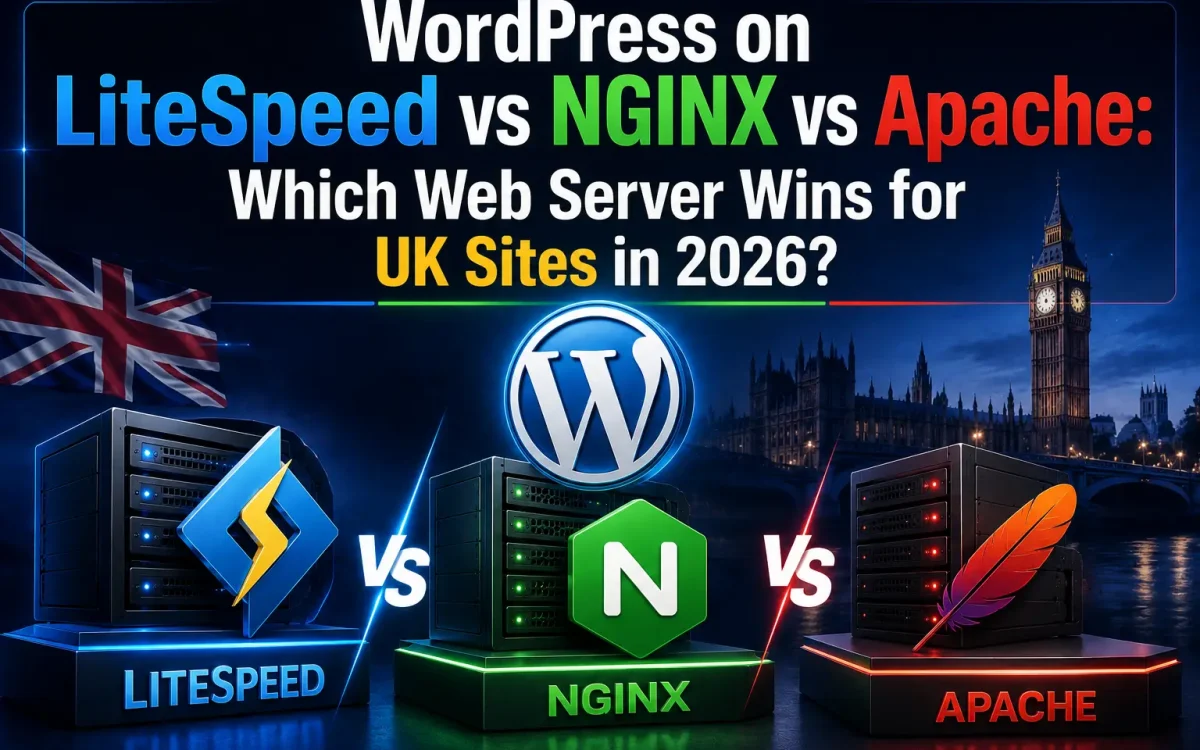
The choice between LiteSpeed vs NGINX vs Apache is the single biggest server-side decision a WordPress owner makes in 2026. The same WordPress code on the same hardware can deliver 2-3× different TTFB depending on which web server is in front of it — and for British sites competing for Google UK rankings, that gap is the difference between Core Web Vitals passing and failing. For a full web-server foundation, see our guide on setting up a LEMP stack on a UK VPS.
This guide compares LiteSpeed vs NGINX vs Apache head-to-head for WordPress in 2026: architecture, caching, benchmark numbers, security, configuration, and a clear recommendation for each type of UK site.
Why the Web Server Choice Matters for WordPress
The web server is the front door of every WordPress request. It decides how TCP connections are accepted, how static files are served, how PHP is invoked, how SSL is terminated, how HTTP/2 and HTTP/3 are handled, and how cached responses are returned. Pick the wrong one and no amount of plugin optimisation, page caching, CDN, or hardware upgrade will fully recover the loss.
In practical terms, the web server controls four numbers that directly drive your Core Web Vitals and SEO ranking: Time-to-First-Byte under load, request concurrency before queueing kicks in, memory per simultaneous worker, and cache-hit response time. A site that scores well on synthetic single-user tests can still fail under real UK Black Friday traffic if the web server can’t keep up.
According to Netcraft’s latest web server market survey, the global landscape in 2026 still revolves around the same three contenders for WordPress hosting: Apache (the legacy default that still powers a large share of shared hosting), NGINX (the high-concurrency challenger that dominates reverse-proxy and CDN edge use cases), and LiteSpeed (the modern WordPress-optimised performer with native cache integration).
How LiteSpeed vs NGINX vs Apache Compare on Architecture
- Apache — process or thread-per-connection (prefork / worker / event MPM). Most flexible, biggest module ecosystem, but heavy on memory at scale. Each concurrent connection traditionally spawned a full process; modern
eventMPM improved this but Apache still allocates more memory per connection than its rivals. - NGINX — event-driven, single master + worker processes. Tiny per-connection memory footprint, excellent at static files and reverse proxying. Needs PHP-FPM separately and a manual cache configuration to match LiteSpeed’s WordPress-native caching.
- LiteSpeed — event-driven like NGINX but with built-in PHP handler (LSAPI) and native WordPress cache module. Drop-in
.htaccesscompatibility with Apache means zero config rewrite when migrating. The OpenLiteSpeed open-source variant is free; LiteSpeed Enterprise adds higher performance and commercial support.
Architecturally, the gap between process-per-connection and event-driven design is the single biggest reason for the benchmark differences shown below. A single LiteSpeed or NGINX worker can hold thousands of concurrent connections in memory, while Apache’s prefork MPM (still common on shared hosting) caps out at a few hundred per process.
How Each Server Handles WordPress Caching
- Apache — relies on plugin-based page cache (WP Rocket, W3 Total Cache) writing to disk; Apache serves those files via
mod_rewrite. Works, but a layer slower than server-native cache. - NGINX — supports
fastcgi_cachefor full-page caching; very fast but requires manual config plus a separate plugin to purge cache on post updates. - LiteSpeed — ships with the LiteSpeed Cache plugin for WordPress, with server-level page cache, automatic purge on edits, Edge Side Includes, ESI, and built-in image optimisation. The most “WordPress-aware” of the three.
Measure LiteSpeed vs NGINX vs Apache Performance
The chart below shows representative WordPress benchmark numbers on identical hardware (8 vCPU, 16 GB RAM, NVMe, PHP 8.4, WordPress 6.7 with WooCommerce) hit from a London-area load tester.
The headline pattern is consistent: LiteSpeed wins on raw throughput and cache hit times, NGINX is a strong second, Apache trails by a meaningful margin under real WordPress workloads. The gap widens further with WooCommerce, where LiteSpeed’s tight integration with WordPress shows: tax recalculation, cart updates, and AJAX checkout flows all benefit from server-level caching with automatic purge on order events.
One real-world implication for British sites: a small VPS (4 vCPU, 8 GB RAM) on LiteSpeed will comfortably handle the same WooCommerce flash-sale traffic that needs a 16 GB Apache box. The cost difference compounds quickly across a year of hosting bills.
Configure Each Server for WordPress
Configuration is where the practical experience of running each server diverges most. The control-panel view below shows the differences in setup complexity once WordPress is installed.
- Apache — enable
eventMPM, run PHP via PHP-FPM (notmod_php), tuneMaxRequestWorkersagainst memory, install a WordPress cache plugin (WP Rocket, W3 Total Cache), and configure HTTPS plus HTTP/2. See our PHP-FPM tuning guide for the exact values to pair with Apache. - NGINX — install and tune PHP-FPM, configure
fastcgi_cachewith a 7-day TTL, add cache-purge config for WP, setworker_connections 4096, tuneworker_processes auto, and convert any existing.htaccessrules into NGINXlocationblocks. - LiteSpeed — install LiteSpeed Cache plugin from the WordPress repo. Enable Object Cache (Redis), Image Optimization, and ESI in one click. Almost no manual config needed; sensible defaults work for 90%+ of WordPress sites out of the box.
How Web Servers Affect WordPress Core Web Vitals
Core Web Vitals are now a confirmed Google ranking factor, and the web server directly drives all three:
- LCP (Largest Contentful Paint) — depends on TTFB. LiteSpeed’s 90 ms TTFB makes LCP under 2.5 s achievable even on modest VPS hardware. Apache’s 380 ms makes the LCP budget tight.
- INP (Interaction to Next Paint) — driven by how quickly the server responds to subsequent requests. Event-driven servers (LiteSpeed/NGINX) win here.
- CLS (Cumulative Layout Shift) — server-side cache hit speed reduces render delays that contribute to layout shift.
Choose the Right Server for Your WordPress Site
| Workload | Apache | NGINX | LiteSpeed |
|---|---|---|---|
| Personal blog (low traffic) | Acceptable | Good | Best |
| Business WordPress site | Acceptable | Good | Best |
| WooCommerce store | Avoid | Good | Best |
| High-traffic news / publisher | Avoid | Best | Best |
| API or reverse proxy | Avoid | Best | Good |
| Shared / multi-tenant | Good | Best | Best |
| Enterprise WordPress | Acceptable | Best | Best |
For practical UK hosting choices that pair the right server with the right hardware, see our deeper analysis of NVMe WordPress hosting and WooCommerce performance.
Switch Servers Without Downtime
- From Apache → LiteSpeed: zero config rewrite. LiteSpeed honours
.htaccessdrop-in. Install LiteSpeed Cache plugin and you’re done. - From Apache → NGINX: convert
.htaccessrules to NGINXlocationblocks. Use online converters as a starting point, then test each rewrite manually. - From NGINX → LiteSpeed: rewrite NGINX configs back into
.htaccessor use LiteSpeed’s vhost-level rewrite blocks. - Test on staging first — every WordPress migration risks breaking permalinks or rewrite rules. Spin up a staging site, switch the server there, run automated link checks.
- Update PHP version alongside the migration — pair the move with our PHP 8.4 WordPress migration guide to get both wins in one maintenance window.
Final Verdict
- LiteSpeed wins for WordPress — fastest, lowest memory, best WP integration. The default recommendation for British WordPress and WooCommerce sites in 2026.
- NGINX wins for high-concurrency mixed workloads — APIs, microservices, reverse proxies, and shared-hosting tenants. Best when you also need to terminate SSL for non-WP services.
- Apache stays relevant for legacy stacks,
.htaccess-heavy applications, and environments where module flexibility outweighs raw speed. Acceptable but no longer the optimal default for new WordPress builds.
Conclusion
For a WordPress site in 2026, LiteSpeed vs NGINX vs Apache is no longer a close contest: LiteSpeed wins on virtually every WordPress-specific benchmark, NGINX is the best general-purpose alternative, and Apache should be reserved for legacy needs only. British sites moving from Apache to LiteSpeed typically see 3-4× faster TTFB and noticeable Core Web Vitals improvements in days, not months — the highest single-step performance win available to most UK WordPress operators this year.
LiteSpeed-Powered UK WordPress Hosting
UK Speed runs LiteSpeed Enterprise on UK-based NVMe infrastructure — pre-tuned for WordPress and WooCommerce, with the LiteSpeed Cache plugin enabled by default.
Explore UK Speed Hosting →