- Introduction: WordPress Security Is More Important Than Ever in 2026
- Common Signs Your WordPress Website Is Infected with Malware
- Why WordPress Websites Get Hacked
- Outdated Plugins and Themes
- Use Reliable Backups
- Enable Security Monitoring
- UK VPS Hosting Advantages for WordPress Security
- WordPress Security and Performance Together
Introduction: WordPress Security Is More Important Than Ever in 2026
WordPress powers millions of websites around the world, from personal blogs to large business platforms and WooCommerce stores.
Because of its popularity, WordPress is also one of the most common targets for automated attacks, malware injections, vulnerable plugins, and security misconfigurations.
A hacked WordPress website can cause serious problems:
- Website downtime
- Search engine warnings
- Redirects to malicious websites
- Spam content injection
- Customer data risks
- Performance degradation
- Loss of business reputation
Recovering from WordPress malware requires more than simply deleting suspicious files.
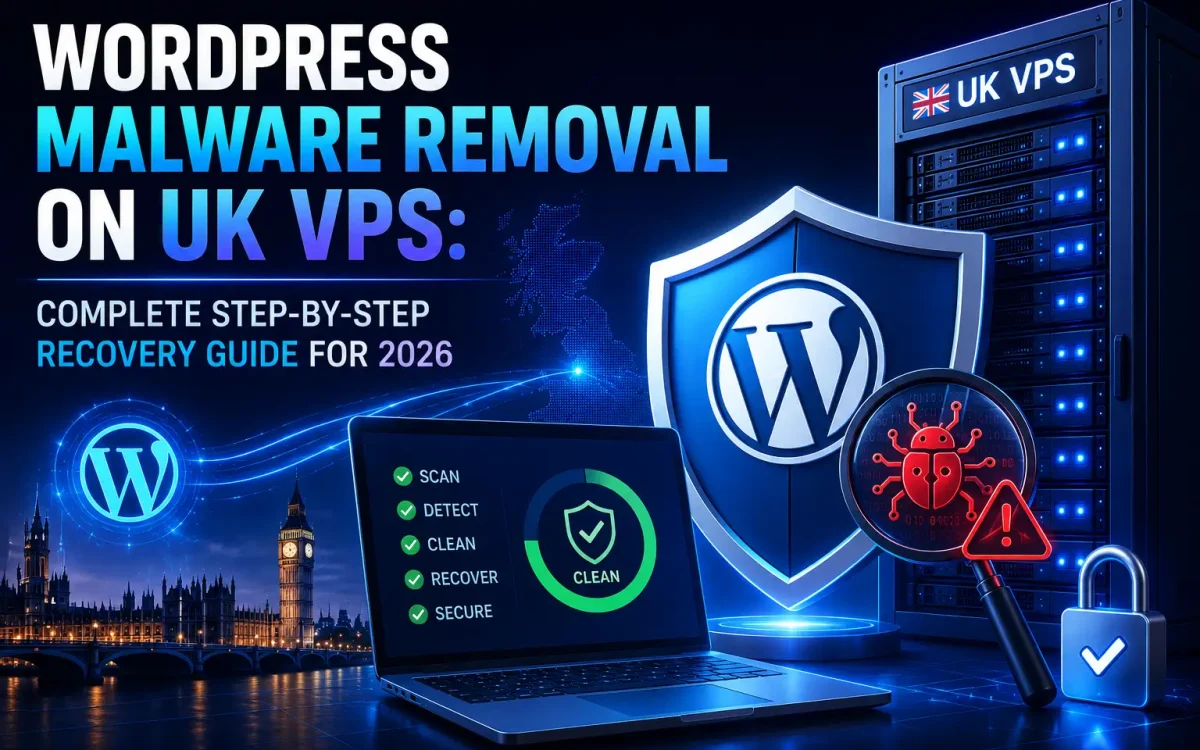
A complete recovery process includes:
- Malware detection
- File inspection
- Database cleaning
- Plugin verification
- Security hardening
- Server protection
- Backup strategy
This complete WordPress malware removal guide explains how to clean and secure a compromised WordPress website running on a UK VPS environment in 2026.
Common Signs Your WordPress Website Is Infected with Malware
WordPress malware does not always appear immediately.
Many infections are designed to stay hidden for long periods.
Common signs of a hacked WordPress website include:
- Unknown administrator accounts
- Unexpected website redirects
- Strange popup messages
- Spam pages indexed in Google
- Modified WordPress files
- Slow website performance
- High CPU usage
- Suspicious PHP scripts
- Security warnings from browsers
If any of these symptoms appear, a complete security investigation should be performed.
Why WordPress Websites Get Hacked
Most WordPress compromises happen because of security weaknesses rather than the WordPress core itself.
Common causes include:
Outdated Plugins and Themes
Old plugins are one of the most common attack points.
Attackers continuously scan websites looking for known vulnerabilities.
Keeping plugins updated reduces security risks.
Weak Passwords
Weak login credentials make brute-force attacks easier.
A secure WordPress environment should use:
- Strong passwords
- Two-factor authentication
- Limited login attempts
Poor Server Security
Even a clean WordPress installation can become vulnerable if the server is not properly secured.
A professional VPS environment should include:
- Firewall protection
- Updated software
- Secure permissions
- Malware monitoring
Step 1: Put Your WordPress Website in Maintenance Mode
Before starting malware removal, prevent visitors from interacting with the infected website.
This helps:
- Stop malware spreading
- Prevent customer exposure
- Protect website reputation
If possible, temporarily restrict access while performing the cleanup process.
Step 2: Create a Full Backup Before Cleaning
Before removing anything, create a complete backup.
Backup:
- Website files
- WordPress database
- Configuration files
- Upload directories
Even infected backups can be useful for investigation and recovery.
Never start deleting files without having a restore point.
Step 3: Scan WordPress Files for Malware
The next step is identifying suspicious files.
Important areas to check:
- wp-content directory
- Plugin folders
- Theme folders
- Upload directories
- WordPress core files
Look for:
- Unknown PHP files
- Encoded scripts
- Recently modified files
- Suspicious permissions
Malware is commonly hidden inside:
- Fake plugin files
- Modified theme files
- Upload directories
Step 4: Restore Clean WordPress Core Files
WordPress core files should not contain custom modifications.
A common recovery method is replacing core files with a clean version.
Important:
Do not delete:
- wp-config.php
- wp-content folder
Core replacement helps remove modified system files while preserving website content.
Step 5: Remove Infected WordPress Plugins
Plugins are a frequent source of security issues.
Review all installed plugins.
Remove:
- Unknown plugins
- Abandoned plugins
- Unused extensions
- Suspicious modifications
After cleaning, reinstall plugins only from trusted sources.
Avoid using:
- Nulled plugins
- Pirated themes
- Unverified downloads
Step 6: Clean the WordPress Database
WordPress malware can also hide inside the database.
Common infected areas include:
- Posts
- Options table
- Widgets
- User accounts
Check for:
- Unknown scripts
- Spam links
- Injected code
- Unauthorized users
Database cleaning is essential for complete malware removal.
Step 7: Check WordPress Administrator Accounts
Attackers often create hidden administrator accounts to regain access later.
Review all users.
Remove accounts you do not recognize.
After cleanup:
- Change administrator passwords
- Update email accounts
- Enable two-factor authentication
Step 8: Reset All Passwords and Access Keys
After removing malware, assume old credentials may be compromised.
Change passwords for:
- WordPress admin users
- Database accounts
- FTP/SFTP accounts
- Control panels
- Email accounts
Also update WordPress security keys inside wp-config.php.
This forces old sessions to expire.
Step 9: Fix WordPress File Permissions
Incorrect file permissions can create security risks.
Recommended permissions:
Files:
644
Directories:
755
Avoid dangerous permissions such as:
777
Correct permissions help prevent unauthorized modifications.
Step 10: Secure Your UK VPS Environment
Cleaning WordPress is only one part of recovery.
The server must also be protected.
Recommended VPS security improvements:
- Enable firewall rules
- Keep packages updated
- Disable unnecessary services
- Monitor login attempts
- Use SSH security best practices
A secure VPS reduces the chance of future attacks.
WordPress Malware Prevention After Recovery
After cleaning your website, prevention becomes the priority.
Important security practices:
Keep Everything Updated
Regularly update:
- WordPress core
- Themes
- Plugins
Use Reliable Backups
A professional backup strategy should include:
- Automatic backups
- Offsite storage
- Easy restoration
Enable Security Monitoring
Monitoring helps detect problems early.
Track:
- File changes
- Login attempts
- Suspicious activity
Why Hosting Quality Affects WordPress Security
Security is not only about WordPress configuration.
Hosting infrastructure plays an important role.
A professional WordPress hosting environment should provide:
- Secure server configuration
- Updated software stack
- Fast patch management
- Reliable backups
- Network protection
A poorly managed server increases security risks.
UK VPS Hosting Advantages for WordPress Security
Using a quality UK VPS provides more control compared with basic shared hosting.
Advantages include:
- Dedicated resources
- Better isolation
- Custom security configuration
- Advanced monitoring options
- Higher performance
For businesses and WooCommerce stores, VPS hosting provides a stronger foundation.
WordPress Security and Performance Together
Security and speed should work together.
A secure WordPress VPS should include:
- NVMe storage
- Optimized caching
- Latest PHP versions
- Firewall protection
- Premium network connectivity
Fast infrastructure improves performance while proper security protects your data.
UK Speed WordPress VPS Security Approach
UK Speed provides VPS infrastructure designed for modern WordPress requirements.
Our hosting environment focuses on:
- High performance VPS servers
- NVMe storage technology
- Reliable network connectivity
- Secure infrastructure
- Scalable resources
A strong hosting foundation helps businesses build faster and safer WordPress websites.
Final WordPress Security Checklist for 2026
After malware removal, verify:
- Malware files removed
- WordPress updated
- Plugins cleaned
- Passwords changed
- Admin users reviewed
- Database inspected
- Backups configured
- Security monitoring enabled
- VPS environment secured
Conclusion: Recover and Protect Your WordPress Website the Right Way
WordPress malware removal is not only about deleting infected files.
A complete recovery requires:
- Cleaning the website
- Securing access
- Fixing vulnerabilities
- Improving server protection
- Creating a prevention strategy
In 2026, successful WordPress websites require both performance and security.
A reliable UK VPS combined with proper WordPress security practices provides the foundation needed for a fast, stable, and protected online presence.
UK Speed VPS solutions give businesses the infrastructure required to run secure and high-performance WordPress websites.
Further Reading
For an authoritative reference on this topic, see WordPress.org — Optimization Documentation.
Looking for fast, secure hosting?
Visit UK Speed for cloud servers, VPS NVMe, and dedicated hosting tailored for performance.