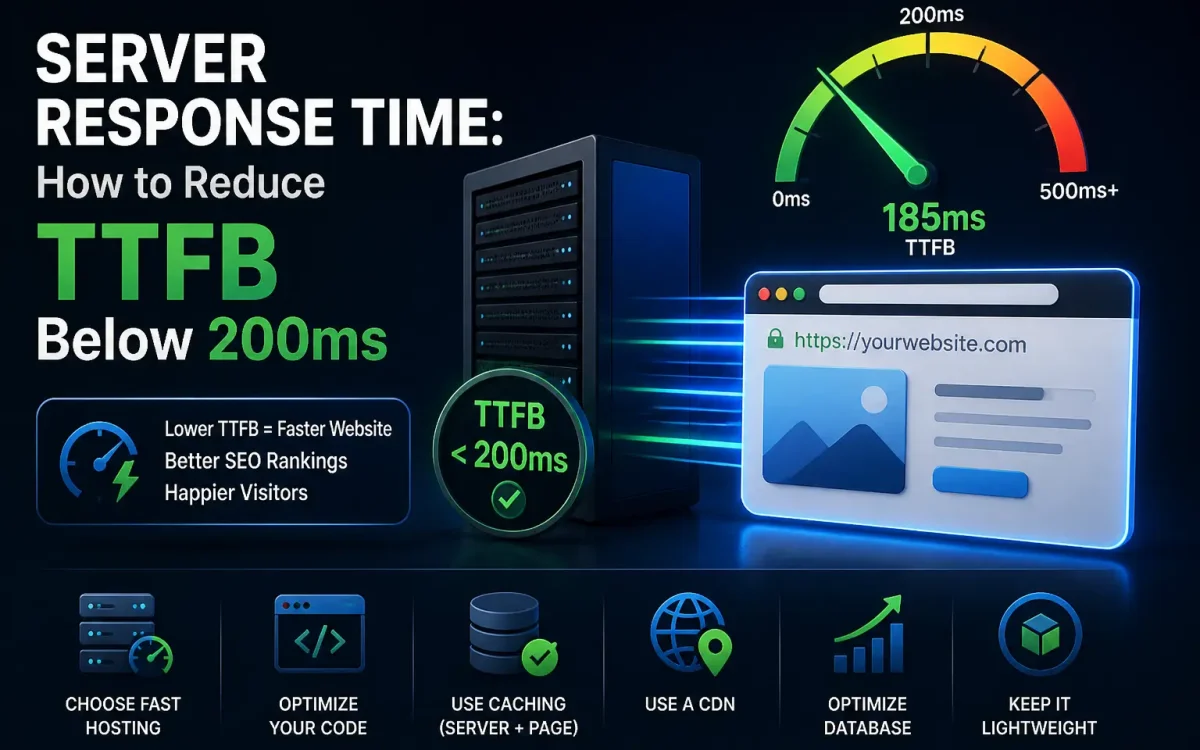
In the world of website performance, server response time plays a crucial role. One of the key metrics that determine how fast a website feels is the Time to First Byte (TTFB). TTFB measures how long it takes for a user’s browser to receive the first byte of data after making a request to the server. In 2026, website speed is more important than ever—not just for user experience, but also for SEO and conversion rates.
If your website’s TTFB is above 200ms, it’s a sign that something in the server or network configuration needs attention. A high TTFB can result in slow-loading pages, which negatively impacts both SEO and user satisfaction.
In this detailed guide, we will explain what TTFB is, why it matters, and provide actionable steps to reduce TTFB below 200ms. We will also show how UKSpeed, with its optimized infrastructure, can help you achieve lightning-fast server response times.
What Is TTFB?
Time to First Byte (TTFB) is a web performance metric that measures the time it takes for a web server to respond to a request and deliver the first byte of data to the user’s browser. This includes the following steps:
- DNS Lookup: The time it takes to resolve the domain name into an IP address.
- Connection Establishment: The time taken to establish a TCP connection with the server.
- Request Processing: The time it takes for the server to process the request and generate the response.
- Data Transfer: The time to send the first byte of the data to the client’s browser.
While TTFB is just one part of the total page load time, it is critical to reducing overall page load times. Lowering TTFB means faster response from the server, which directly translates into a better user experience and better SEO performance.
Why Is TTFB Important for Website Speed?
A fast TTFB is crucial for multiple reasons:
- User Experience (UX): Users are more likely to leave your site if it is slow. A slow TTFB results in a delay before the page starts loading, which frustrates users.
- SEO Rankings: Search engines like Google take page load times and TTFB into account when ranking pages. A high TTFB can negatively affect your SEO efforts.
- Conversion Rate: Every second counts in conversion optimization. Slow TTFB can increase bounce rates and reduce overall conversions.
- First Impressions Matter: The faster a page starts loading, the better the first impression. Websites with high TTFB can make users feel like the site is unresponsive.
Optimizing TTFB is essential for improving website performance and keeping both users and search engines happy.
Key Factors Affecting TTFB
Several factors contribute to a high TTFB. Understanding these can help you address the root cause of slow response times:
1. Server Location
The physical distance between your server and your users has a direct impact on TTFB. If your server is located far from your target audience, data takes longer to travel, leading to slower response times.
2. Web Hosting Infrastructure
The type of web hosting you use significantly affects TTFB. Shared hosting environments often experience slower TTFB due to resource contention. Dedicated servers, VPS, and cloud hosting offer better performance because resources are not shared.
3. Server Configuration
Improper server settings can increase TTFB. Servers need to be optimized to handle requests efficiently. Factors like PHP configurations, MySQL database optimizations, and server-side caching mechanisms can all affect how quickly a server responds.
4. Content Delivery Network (CDN)
CDNs store copies of your website’s static content in multiple locations around the world. Without a CDN, users may experience slower TTFB, especially if the server is far away.
5. Backend Database Performance
Slow database queries or poorly optimized database design can increase TTFB. A high load on the database server or inefficient database queries can add significant delays before the server can return the first byte of data.
6. Server Load and Resource Allocation
If the server is under heavy load or lacks sufficient resources (CPU, RAM), it may struggle to handle incoming requests, increasing TTFB. Proper resource allocation is crucial for maintaining fast server response times.
How to Measure TTFB
Measuring TTFB is relatively easy using various online tools or browser developer tools:
1. Google PageSpeed Insights
Google’s PageSpeed Insights tool not only gives you a performance score but also reports the TTFB of your website.
2. GTmetrix
GTmetrix provides a detailed performance report, including TTFB, and gives you actionable recommendations to reduce it.
3. WebPageTest
WebPageTest is a great tool for more in-depth analysis, showing TTFB for different regions and providing advanced optimization tips.
4. Browser Developer Tools
You can also measure TTFB directly in Chrome or Firefox’s developer tools. Go to the “Network” tab and look for “Time to First Byte” under each network request.
How to Reduce TTFB Below 200ms
Here’s how you can reduce TTFB to below 200ms, which is considered excellent:
1. Choose a Faster Hosting Provider
One of the best ways to reduce TTFB is by choosing a high-performance hosting provider. Hosting providers like UKSpeed offer powerful infrastructure with fast data centers, optimized configurations, and dedicated resources that drastically reduce TTFB.
2. Use a Content Delivery Network (CDN)
A CDN caches static content (such as images, CSS, and JavaScript files) at multiple points across the globe, so users receive data from the closest server. This reduces the load on your main server and improves TTFB for visitors located far away.
3. Optimize Server Configuration
Optimizing your server can make a huge difference. Some steps include:
- Enable GZIP Compression for smaller data transfer sizes.
- Use HTTP/2 for better performance.
- Optimize your web server software (e.g., NGINX, Apache, LiteSpeed) for better resource management.
4. Enable Caching Mechanisms
Server-side caching stores dynamic content in memory, reducing the need to regenerate the same page for every request. Implementing OPcache, Redis, or Varnish can significantly reduce server response time.
5. Use Efficient Backend Databases
Optimize database queries, implement indexing, and ensure the database server has sufficient resources. Use faster database engines like MariaDB for better performance over MySQL.
6. Optimize Website Code
Reducing the complexity of your website’s code (CSS, JavaScript, HTML) ensures that the server has less processing to do before delivering the first byte. Minify CSS/JS and remove unnecessary resources.
7. Choose a Server Location Closer to Your Target Audience
If your server is located far from your primary audience, consider moving it to a region closer to your users. Alternatively, use a CDN to reduce latency.
8. Use Faster Web Server Software
Consider using LiteSpeed instead of Apache or NGINX for better performance in certain scenarios. LiteSpeed, for instance, supports HTTP/2 and QUIC, which can speed up server response time.
Best Practices to Optimize TTFB
- Choose the right server based on your traffic (e.g., VPS, cloud hosting, or dedicated servers)
- Optimize your DNS provider by selecting a fast and reliable DNS resolver
- Use HTTP/3 if your server supports it, as it reduces connection establishment time
- Enable persistent connections to avoid the overhead of establishing new connections with every request
- Optimize your website’s database queries to avoid long waits during dynamic page loading
How UKSpeed Can Help You Achieve Fast TTFB
At UKSpeed, we understand the importance of fast server response times and the role TTFB plays in website performance. Our hosting infrastructure is built with high-performance hardware, including NVMe SSDs, enterprise-grade processors, and advanced caching mechanisms, ensuring that your website delivers fast and reliable response times. Additionally, we offer optimized server configurations, support for HTTP/2 and HTTP/3, and global CDN integration to ensure that your website’s TTFB stays below 200ms, providing a faster, more engaging user experience.
With UKSpeed, you can focus on growing your website while we take care of the technical performance, ensuring your site is always optimized for speed and uptime.
Final Thoughts
Reducing TTFB below 200ms is an achievable goal with the right tools and hosting setup. By choosing the right hosting provider, optimizing server configurations, using CDNs, and improving backend efficiency, you can significantly reduce TTFB and improve your website’s overall speed and performance. At UKSpeed, we ensure that your hosting environment is optimized to give you the best possible TTFB, helping you stay competitive in a fast-paced digital landscape.
Further Reading
For an authoritative reference on this topic, see Cloudflare Learning — What Is a CDN.
Looking for fast, secure hosting?
Visit UK Speed for cloud servers, VPS NVMe, and dedicated hosting tailored for performance.