Introduction
Few WordPress errors cause more panic than the infamous:
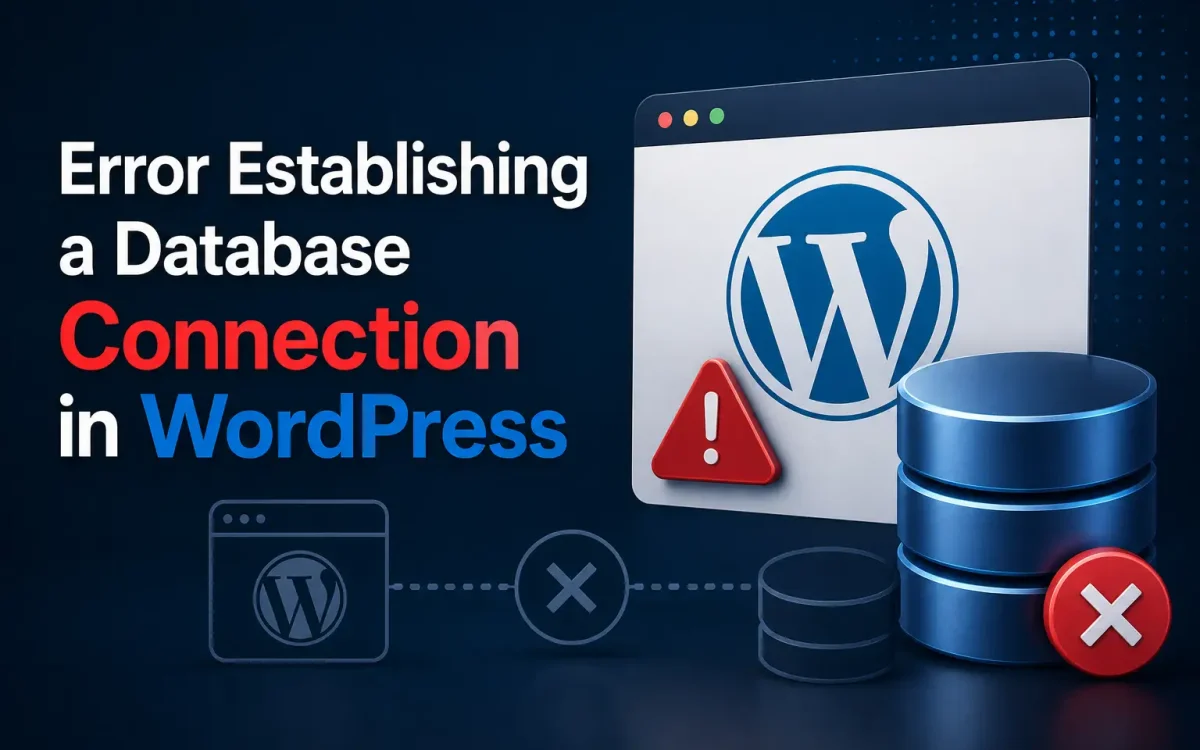
Error Establishing a Database Connection
Unlike minor warnings or plugin issues, this error can make your entire website unavailable. Visitors cannot access pages, administrators cannot log in, and online stores may stop processing orders completely.
In 2026, WordPress continues to power millions of websites, blogs, business portals, and WooCommerce stores. Because WordPress relies heavily on MySQL or MariaDB databases, any communication failure between WordPress and the database server can result in this error.
Fortunately, the problem is usually fixable.
This guide explains the eight most common causes of the “Error Establishing a Database Connection” message and provides step-by-step solutions to restore your website quickly.
What Does “Error Establishing a Database Connection” Mean?
WordPress stores nearly all website data inside a database:
- Posts
- Pages
- Users
- Settings
- Plugins
- Orders
- Comments
When a visitor opens your website, WordPress connects to the database to retrieve this information.
If the connection fails, WordPress displays:
Error Establishing a Database Connection
This means the application cannot communicate with MySQL or MariaDB.
Why This Error Is Serious
This issue can cause:
- Complete website downtime
- Lost sales
- SEO problems
- Customer frustration
- Reduced trust
Search engines may also encounter errors while crawling your site.
For WooCommerce stores, every minute of downtime may result in lost revenue.
Cause 1: Incorrect Database Credentials
The most common reason is incorrect database settings.
WordPress stores database credentials inside:
wp-config.php
Locate:
define('DB_NAME', 'database');
define('DB_USER', 'username');
define('DB_PASSWORD', 'password');
define('DB_HOST', 'localhost');
Verify:
- Database name
- Username
- Password
- Hostname
Even a single incorrect character can cause connection failures.
Solution
Access your files via:
- File Manager
- FTP
- SSH
Open:
public_html/wp-config.php
Correct any incorrect values.
Save the file and reload the website.
Cause 2: Corrupted Database
Databases sometimes become corrupted because of:
- Server crashes
- Plugin failures
- Interrupted updates
- Storage issues
Symptoms include:
- Admin panel errors
- Missing data
- Incomplete pages
Solution
Add:
define('WP_ALLOW_REPAIR', true);
to:
wp-config.php
Visit:
yourdomain.com/wp-admin/maint/repair.php
Run:
- Repair Database
- Repair and Optimize Database
Remove the line afterward for security.
Cause 3: Database Server Is Down
Sometimes the MySQL server itself stops.
Common causes:
- Server overload
- Service crashes
- Hardware issues
- Maintenance
Solution
For VPS servers:
sudo systemctl status mysql
Restart MySQL:
sudo systemctl restart mysql
For MariaDB:
sudo systemctl restart mariadb
Check the website again.
Cause 4: Database Server Overload
High traffic can overwhelm database resources.
Symptoms include:
- Slow websites
- Intermittent errors
- Connection failures
Shared hosting environments often suffer from resource limitations.
Solution
Check server resources:
htop
or:
free -m
Consider:
- Upgrading hosting
- Increasing memory
- Optimizing queries
VPS environments generally handle database workloads more effectively.
Cause 5: Incorrect Database Host
Some hosting providers use custom database hosts.
Examples:
localhost
127.0.0.1
mysql.server.com
If the host value is incorrect, connections fail.
Solution
Verify the correct database host with your hosting provider.
Update:
define('DB_HOST', 'localhost');
with the correct value.
Cause 6: Corrupted WordPress Files
Failed updates or malware may damage WordPress files.
This can interfere with database communication.
Solution
Download a fresh copy of WordPress.
Replace:
- wp-admin
- wp-includes
Do not overwrite:
- wp-content
- wp-config.php
This often resolves damaged core files.
Cause 7: Plugin or Theme Conflicts
Poorly coded plugins may overload databases.
Common problems include:
- Infinite queries
- Database locks
- Memory issues
Solution
Rename:
wp-content/plugins
to:
plugins-disabled
Reload the website.
If the error disappears, reactivate plugins individually.
Similarly, switch temporarily to a default theme.
Cause 8: Hosting Server Problems
Sometimes the issue originates from the hosting infrastructure.
Examples include:
- Hardware failures
- Storage issues
- Network outages
- Database cluster failures
Solution
Check:
- Hosting status pages
- Support announcements
- Server monitoring
If necessary, contact your hosting provider.
How to Access wp-config.php
Methods include:
cPanel File Manager
Navigate:
public_html/wp-config.php
FTP Clients
Use:
- FileZilla
- WinSCP
SSH Access
nano wp-config.php
Always create backups before editing.
Checking Database Access Manually
Test:
mysql -u username -p
Enter your password.
If login fails, credentials are incorrect.
If login succeeds, WordPress configuration may be the problem.
Checking MySQL Logs
Review:
/var/log/mysql/error.log
or:
journalctl -u mysql
Logs often reveal:
- Crashes
- Corruption
- Memory problems
Log analysis speeds troubleshooting.
Repairing Tables with MySQL
Check tables:
mysqlcheck -u root -p --all-databases
Repair:
mysqlcheck -u root -p --repair database_name
These commands help recover damaged tables.
How to Prevent Future Database Errors
Prevention is easier than recovery.
Recommended practices:
- Daily backups
- Plugin updates
- Database optimization
- Monitoring
- Security hardening
Regular maintenance reduces risks.
Why Hosting Quality Matters
Many database issues originate from poor hosting environments.
Problems include:
- Limited resources
- Overloaded servers
- Slow storage
- Resource sharing
Modern infrastructure significantly reduces these problems.
Why NVMe Storage Improves Database Performance
Databases constantly read and write data.
NVMe storage offers:
- Lower latency
- Faster queries
- Better responsiveness
Benefits include:
- Faster WordPress websites
- Better WooCommerce performance
- Reduced database bottlenecks
Storage speed directly affects database performance.
Why VPS Hosting Helps WordPress
VPS environments provide:
- Dedicated resources
- More memory
- Better CPU access
- Greater control
Benefits include:
- Stable databases
- Better uptime
- Faster recovery
Growing websites often outgrow shared hosting.
Backup Strategies
Maintain:
- Daily backups
- Database backups
- Offsite backups
Recommended solutions:
- JetBackup
- Acronis
- Remote backups
Backups allow rapid recovery.
Monitoring Database Health
Monitor:
- CPU usage
- RAM usage
- Query performance
- Database size
Tools include:
- MySQLTuner
- Grafana
- Prometheus
Monitoring helps identify problems early.
Why UKSpeed Infrastructure Improves WordPress Reliability
Modern WordPress websites require:
- Fast storage
- Reliable databases
- Stable resources
- High availability
UKSpeed infrastructure provides:
- NVMe storage
- VPS hosting
- Dedicated resources
- High uptime
- DDoS protection
These features reduce many common WordPress database issues.
SEO Impact of Database Errors
Prolonged downtime may cause:
- Lost rankings
- Crawl errors
- Reduced traffic
Search engines expect websites to remain available.
Quick recovery minimizes SEO damage.
WordPress Database Optimization Tips
Improve performance by:
- Removing post revisions
- Cleaning transients
- Optimizing tables
- Removing unused plugins
Database optimization improves speed.
Future Trends for WordPress Hosting
In 2026, WordPress infrastructure increasingly focuses on:
- Faster storage
- Better caching
- Database optimization
- AI monitoring
- High availability
These improvements reduce failures.
Conclusion
The “Error Establishing a Database Connection” message remains one of the most common WordPress problems in 2026. Fortunately, the issue is usually caused by a limited number of factors, including incorrect credentials, corrupted databases, server failures, plugin conflicts, or resource limitations.
By systematically troubleshooting each possible cause, website owners can restore their sites quickly and prevent future failures. Combining proper maintenance, reliable backups, secure configurations, and high-quality hosting infrastructure helps ensure WordPress websites remain available, fast, and reliable for both users and search engines.
Further Reading
For an authoritative reference on this topic, see WordPress.org — Optimization Documentation.
Looking for fast, secure hosting?
Visit UK Speed for cloud servers, VPS NVMe, and dedicated hosting tailored for performance.