- Why Choosing the Best WordPress Hosting Matters
- NVMe Storage and WordPress Performance
- LiteSpeed and HTTP/3 Performance Advantages
- Security Features for Modern WordPress Websites
- WordPress Hosting for WooCommerce Websites
- How Fast WordPress Hosting Improves SEO
- How to Choose the Best WordPress Hosting in 2026
- Final Thoughts
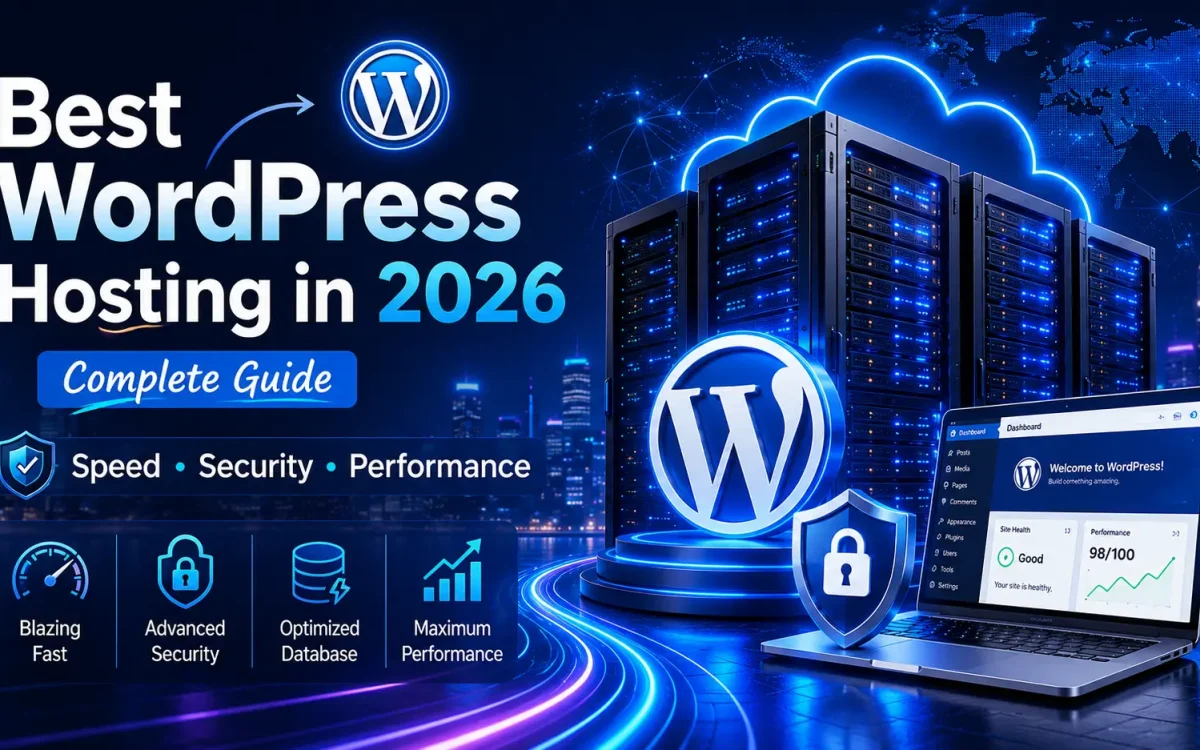
WordPress continues to dominate the web and powers millions of websites worldwide, including business websites, personal blogs, WooCommerce stores, membership platforms, enterprise portals, and content-heavy websites. As online competition continues increasing, website owners are no longer looking for basic hosting environments. Performance, security, and scalability have become critical factors in choosing the Best WordPress Hosting solution.
Many users focus only on storage size or pricing when selecting WordPress Hosting, but real-world website performance depends on multiple infrastructure components working together. Server architecture, storage technology, databases, caching systems, memory performance, and security technologies all directly affect how fast a website performs.
In this complete guide, we will explore everything you should know about choosing the Best WordPress Hosting in 2026 and how Fast WordPress Hosting can improve website speed, user experience, and SEO performance.
Why Choosing the Best WordPress Hosting Matters
WordPress is a dynamic content management system. Unlike static websites, every page request triggers multiple background operations.
Typical WordPress processes include:
- Loading themes
- Running plugins
- Reading database records
- Processing user sessions
- Loading images and media
- Executing PHP scripts
- WooCommerce transactions
- Search requests
- API calls
Without optimized WordPress Hosting, websites commonly experience:
- Slow page loading times
- High CPU usage
- Slow database queries
- Delayed admin dashboards
- Poor WooCommerce performance
- Reduced SEO performance
- Higher bounce rates
Modern websites require infrastructure designed specifically for WordPress workloads.
What Makes the Best WordPress Hosting?
The Best WordPress Hosting environment should provide much more than disk space and RAM.
Critical components include:
High Performance Processing Power
WordPress websites constantly process multiple requests simultaneously.
Powerful CPU resources improve:
✓ Dynamic content generation
✓ Plugin execution
✓ Database requests
✓ WooCommerce transactions
✓ Website responsiveness
Websites with heavy plugins, large databases, and online stores benefit significantly from optimized processing power.
Why Database Performance Is Critical for WordPress
Database speed is one of the most overlooked factors affecting website performance.
Every WordPress page typically generates multiple database requests.
Examples include:
- Loading articles
- Retrieving images
- Reading plugin settings
- User sessions
- Product information
- Customer data
- Cart information
- Comments and search requests
A slow database environment becomes a major bottleneck.
Fast database environments help provide:
✓ Faster page loading
✓ Better WooCommerce performance
✓ Lower latency
✓ Improved dashboard speed
✓ Better user experience
NVMe Storage and WordPress Performance
Traditional storage environments struggle with modern website workloads.
Modern Fast WordPress Hosting uses NVMe technology to reduce delays and improve overall responsiveness.
Benefits of NVMe storage include:
- Ultra-low latency
- High IOPS performance
- Faster read operations
- Faster write operations
- Better multitasking
- Improved database speed
Compared to traditional SSD environments, NVMe storage dramatically improves website responsiveness.
Why RAM Performance Matters
Memory architecture plays an important role in website speed.
WordPress uses RAM for:
- Query caching
- PHP execution
- Temporary data
- Plugin processing
- Dynamic content generation
Modern hosting platforms using DDR5 memory provide:
- Higher bandwidth
- Lower latency
- Better workload handling
- Faster overall processing
LiteSpeed and HTTP/3 Performance Advantages
Web server technology significantly affects website speed.
Modern WordPress Hosting environments increasingly use LiteSpeed technology because of its performance advantages.
LiteSpeed helps provide:
✓ Faster page delivery
✓ Better cache management
✓ Lower server resource usage
✓ Faster PHP processing
✓ Better WooCommerce performance
HTTP/3 additionally improves:
- Connection efficiency
- Mobile performance
- Lower latency
- Better user experience
Security Features for Modern WordPress Websites
Security has become increasingly important for website owners.
WordPress websites frequently face:
- Malware attacks
- Brute-force login attempts
- DDoS attacks
- Plugin vulnerabilities
- Bot traffic
The Best WordPress Hosting providers should include multiple security layers.
Malware Protection
Continuous monitoring helps detect suspicious activity before it becomes a problem.
DDoS Protection
Network-level filtering reduces risks from malicious traffic.
Daily Backups
Automated backups help protect websites from:
- Human mistakes
- Plugin failures
- Website corruption
- Security incidents
SSL Encryption
SSL improves:
- Website security
- Customer trust
- Search engine visibility
WordPress Hosting for WooCommerce Websites
WooCommerce stores place significantly higher demands on hosting infrastructure.
Typical WooCommerce workloads include:
- Product databases
- Customer sessions
- Inventory management
- Checkout processes
- Payment processing
- Search functionality
Without Fast WordPress Hosting, stores often experience:
- Slow checkout pages
- Delayed cart updates
- Reduced conversion rates
- Poor customer experience
High-performance hosting environments help maintain fast response times.
How Fast WordPress Hosting Improves SEO
Search engines increasingly prioritize performance metrics.
Google considers factors including:
- Core Web Vitals
- Time To First Byte
- Mobile responsiveness
- Website loading speed
- User experience signals
Fast websites can help improve:
✓ Search rankings
✓ Lower bounce rates
✓ Better conversion rates
✓ Increased user engagement
✓ Longer visitor sessions
How to Choose the Best WordPress Hosting in 2026
When comparing hosting providers, important factors include:
Performance Infrastructure
Look for:
- Enterprise processors
- NVMe storage
- Modern RAM architecture
- Fast networking
Security Features
Choose providers offering:
- Malware protection
- Firewall systems
- Backup solutions
- SSL certificates
Scalability
As websites grow, hosting should support:
- Additional RAM
- Increased storage
- More processing resources
- Traffic growth
WordPress Optimization
Hosting environments optimized specifically for WordPress generally deliver better results.
Final Thoughts
Selecting the Best WordPress Hosting in 2026 involves much more than simply choosing the lowest monthly price. Performance, database responsiveness, security, scalability, and infrastructure quality all affect website success.
Modern WordPress Hosting environments built with enterprise hardware, high-speed NVMe storage, optimized databases, modern memory architecture, and advanced security systems can dramatically improve speed and user experience.
Whether you run a personal blog, a business website, or a large WooCommerce store, investing in Fast WordPress Hosting creates a stronger foundation for long-term growth and performance.
Category: WordPress Hosting
Further Reading
For an authoritative reference on this topic, see WordPress.org — Optimization Documentation.
Looking for fast, secure hosting?
Visit UK Speed for cloud servers, VPS NVMe, and dedicated hosting tailored for performance.