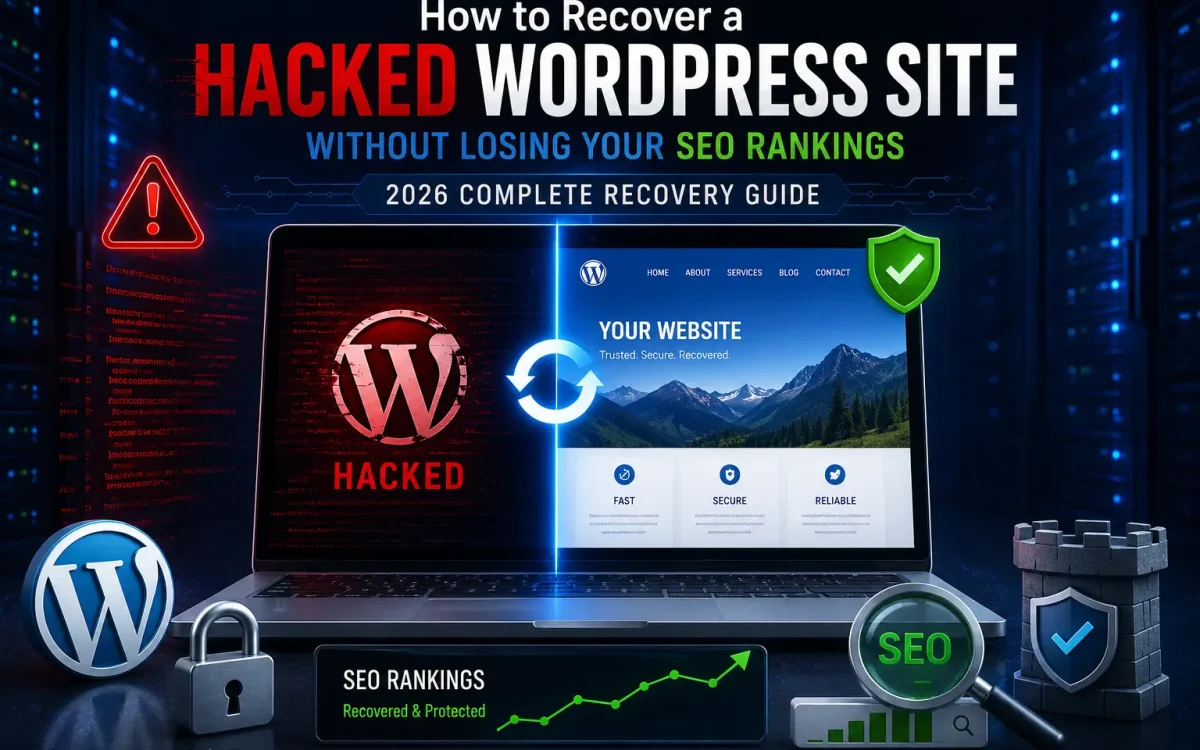
A hacked WordPress website is one of the most stressful situations a website owner can face. Beyond the obvious security risks, a compromise can destroy years of SEO work, damage your brand reputation, cause search engine penalties, and result in significant revenue loss. Many website owners focus solely on removing malware while ignoring the SEO consequences. Unfortunately, Google and other search engines may continue to display warnings, deindex pages, or reduce rankings long after the malware has been removed if the recovery process is not handled correctly. This complete 2026 recovery guide explains exactly how to recover a hacked WordPress website while preserving your SEO rankings, traffic, backlinks, and search engine trust.
Why Website Hacks Damage SEO
When hackers gain access to a WordPress website, they rarely stop at defacing pages. Common SEO-related attacks include:
- Injecting spam pages
- Adding hidden links
- Creating phishing content
- Redirecting visitors to malicious websites
- Injecting JavaScript malware
- Manipulating structured data
- Creating thousands of fake URLs
- Installing SEO spam backdoors
Search engines detect these activities quickly. Consequences may include:
- Google Safe Browsing warnings
- Deindexing of pages
- Loss of rankings
- Loss of featured snippets
- Reduced crawl frequency
- Lower domain trust
- Traffic collapse
In severe cases, websites can lose more than 90% of their organic traffic within days.
Signs Your WordPress Site Has Been Hacked
Many website owners discover the problem only after rankings begin falling. Common warning signs include:
Sudden SEO Traffic Loss
If Google organic traffic drops dramatically without a known algorithm update, malware may be involved.
Unexpected Pages in Google
Search:
site:yourdomain.com
Look for:
- Casino pages
- Pharmacy pages
- Adult content
- Foreign language spam
Google Security Warnings
Visitors may see: “This site may be hacked” or
“Deceptive site ahead” These warnings severely impact click-through rates.
Strange Redirects
Users are redirected to:
- Gambling websites
- Fake stores
- Cryptocurrency scams
- Malware downloads
Unknown Administrator Accounts
Hackers often create hidden administrator users. Check: Users → Administrators
for unfamiliar accounts.
Step 1: Put the Site Into Maintenance Mode
Before making changes, prevent further damage. Options include:
- Maintenance plugin
- Password protection
- Temporary firewall rules
Avoid deleting files immediately. First preserve evidence for analysis.
Step 2: Create a Full Backup
Even if the website is infected, create a backup. Backup:
- Website files
- Database
- wp-content directory
- Configuration files
- Access logs
This backup can be invaluable if recovery mistakes occur.
Step 3: Identify the Infection Type
Not all WordPress hacks are the same.
Malware Injection
Malicious PHP files added to the server.
SEO Spam Attack
Thousands of spam pages created.
Redirect Malware
Visitors sent elsewhere.
Backdoor Installation
Hidden access mechanisms left behind.
Credential Theft
User accounts compromised. Identifying the attack determines the correct recovery strategy.
Step 4: Scan the Website Thoroughly
Use multiple scanning methods. Recommended tools include:
- Wordfence
- Sucuri Scanner
- Imunify360
- Malware Detect (Linux)
- ClamAV
Do not rely on a single scanner. Different tools detect different threats.
Step 5: Remove Malicious Files
Compare files against clean WordPress core versions. Common locations include:
/wp-content/uploads/
/wp-content/plugins/
/wp-content/themes/
/wp-includes/
Look for:
- Obfuscated PHP code
- Base64 encoded payloads
- Unexpected JavaScript
- Recently modified files
Replace infected files with clean copies.
Step 6: Reinstall WordPress Core
Download a fresh version of WordPress. Delete:
wp-admin
wp-includes
Upload clean replacements. This eliminates many hidden infections. Never reuse compromised core files.
Step 7: Audit Plugins and Themes
Compromised plugins are one of the leading causes of WordPress hacks. Remove:
- Abandoned plugins
- Pirated themes
- Null themes
- Unused plugins
Only reinstall from trusted sources. Outdated software remains one of the biggest security risks in 2026.
Step 8: Check the Database for SEO Spam
Hackers frequently inject content directly into the database. Inspect:
wp_posts
wp_options
wp_users
wp_usermeta
Search for:
- Hidden links
- Foreign language content
- Spam keywords
- Redirect scripts
Remove malicious entries carefully. Always back up before editing the database.
Step 9: Remove Unauthorized Users
Review: Users → Administrators Delete:
- Unknown accounts
- Suspicious editors
- Recently created users
Then reset passwords for:
- WordPress admins
- Hosting control panel
- FTP accounts
- SSH accounts
- Database users
Use strong unique passwords.
Step 10: Secure wp-config.php
Review:
wp-config.php
Look for:
- Hidden PHP injections
- Suspicious includes
- Remote code execution payloads
Regenerate WordPress security keys:
AUTH_KEY
SECURE_AUTH_KEY
LOGGED_IN_KEY
NONCE_KEY
This forces all users to log in again.
Step 11: Check Scheduled Tasks
Many infections survive through cron jobs. Inspect:
crontab -l
and WordPress cron tasks. Remove:
- Unknown scheduled jobs
- Suspicious scripts
- Malware callbacks
Otherwise the site may become reinfected.
Step 12: Verify Google Search Console
Login to Google Search Console. Check:
Security Issues
Google often identifies:
- Malware
- Phishing
- Harmful downloads
Manual Actions
Ensure no penalties exist.
Coverage Report
Look for:
- Massive indexing spikes
- Unexpected URLs
- Crawl anomalies
Step 13: Remove Indexed Spam URLs
Many hacks create thousands of indexed pages. Examples:
yourdomain.com/casino-bonus
yourdomain.com/crypto-wallet
yourdomain.com/adult-keywords
Remove them properly. Methods include:
- 410 Gone responses
- 404 responses
- URL removal requests
Never redirect spam pages to your homepage. Google may interpret this as soft spam.
Step 14: Submit a Security Review Request
If Google displayed warnings: Open Search Console. Navigate to:
Security Issues → Request Review Explain:
- Cause identified
- Malware removed
- Security improvements implemented
Google typically reviews within days.
Step 15: Restore SEO Signals
Preserving rankings requires maintaining key SEO elements. Verify:
URLs
Keep existing URL structure.
Metadata
Ensure title tags remain intact.
Internal Links
Repair broken navigation.
Canonical Tags
Confirm correct implementation.
XML Sitemap
Regenerate and resubmit.
Structured Data
Validate using schema testing tools. The faster these signals are restored, the quicker rankings recover.
Step 16: Monitor Backlinks
Some attacks create spam backlinks. Use:
- Ahrefs
- Semrush
- Majestic
Look for:
- Toxic links
- Link farms
- Spam anchors
Disavow harmful links if necessary.
Step 17: Strengthen Hosting Security
Recovery is incomplete if the vulnerability remains. Recommended protections include:
Web Application Firewall
A WAF blocks many attack attempts before they reach WordPress.
Malware Scanning
Automated daily scans detect threats early.
Server-Level Security
Use:
- ModSecurity
- Imunify360
- Fail2Ban
Automatic Backups
Daily backups reduce recovery time dramatically.
Step 18: Harden WordPress
Security best practices include:
Enable Two-Factor Authentication
Protect admin accounts.
Limit Login Attempts
Prevent brute-force attacks.
Disable File Editing
Add:
define('DISALLOW_FILE_EDIT', true);
Change Login URL
Reduce automated attacks.
Restrict Admin Access
Allow only trusted IPs where possible.
Step 19: Monitor Rankings During Recovery
SEO recovery takes time. Track:
- Keyword rankings
- Organic traffic
- Crawl activity
- Indexed pages
- Search Console impressions
Typical recovery timelines: Minor infection:
- 1–3 weeks
Moderate infection:
- 1–2 months
Severe infection:
- 3–6 months
Patience is essential.
Common SEO Mistakes After a Hack
Many websites lose rankings because of recovery mistakes. Avoid:
Deleting the Entire Website
This often causes more damage than the malware.
Changing URL Structures
Keep URLs stable.
Redirecting Everything to Homepage
This confuses search engines.
Ignoring Search Console
Google’s reports provide critical recovery information.
Restoring Old Infected Backups
Always verify backups before restoration.
Why VPS Hosting Improves WordPress Security
Shared hosting environments often increase risk. A VPS provides:
- Resource isolation
- Greater security control
- Dedicated firewall configuration
- Better malware protection
- Custom security policies
- Faster incident response
For business websites, ecommerce stores, and high-traffic blogs, VPS hosting offers significantly stronger protection against modern threats.
Why UK Speed VPS Is Ideal for Secure WordPress Hosting
UK Speed VPS solutions are designed for performance and security. Benefits include:
- Enterprise NVMe storage
- Modern AMD EPYC processors
- Full root access
- Fast UK network connectivity
- Daily backup options
- Advanced firewall support
- Scalable resources
- High uptime infrastructure
These features help reduce security risks while maintaining strong website performance and SEO stability.
Final Thoughts
Recovering a hacked WordPress site is not just about removing malware. The real challenge is preserving your SEO rankings, search visibility, and user trust. By following a structured recovery process, identifying the source of the compromise, cleaning the website correctly, restoring SEO signals, and implementing stronger security controls, you can recover from even serious attacks without permanently damaging your organic search performance. The key is acting quickly, avoiding common recovery mistakes, and combining strong WordPress security practices with reliable VPS hosting infrastructure. In 2026, proactive security is far less expensive than recovering from a major breach after rankings and revenue have already been lost.
Looking for fast, secure hosting?
Visit UK Speed for cloud servers, VPS NVMe, and dedicated hosting tailored for performance.